The virtual classroom built for real connections
Gather gives instructors a virtual workspace where students can ask questions, break into groups, and collaborate naturally, without having to schedule every little interaction.
The virtual classroom built for real connections
Gather gives instructors a virtual workspace where students can ask questions, break into groups, and collaborate naturally, without having to schedule every little interaction.
The virtual classroom built for real connections
Gather gives instructors a virtual workspace where students can ask questions, break into groups, and collaborate naturally, without having to schedule every little interaction.
The virtual classroom built for real connections
Gather gives instructors a virtual workspace where students can ask questions, break into groups, and collaborate naturally, without having to schedule every little interaction.
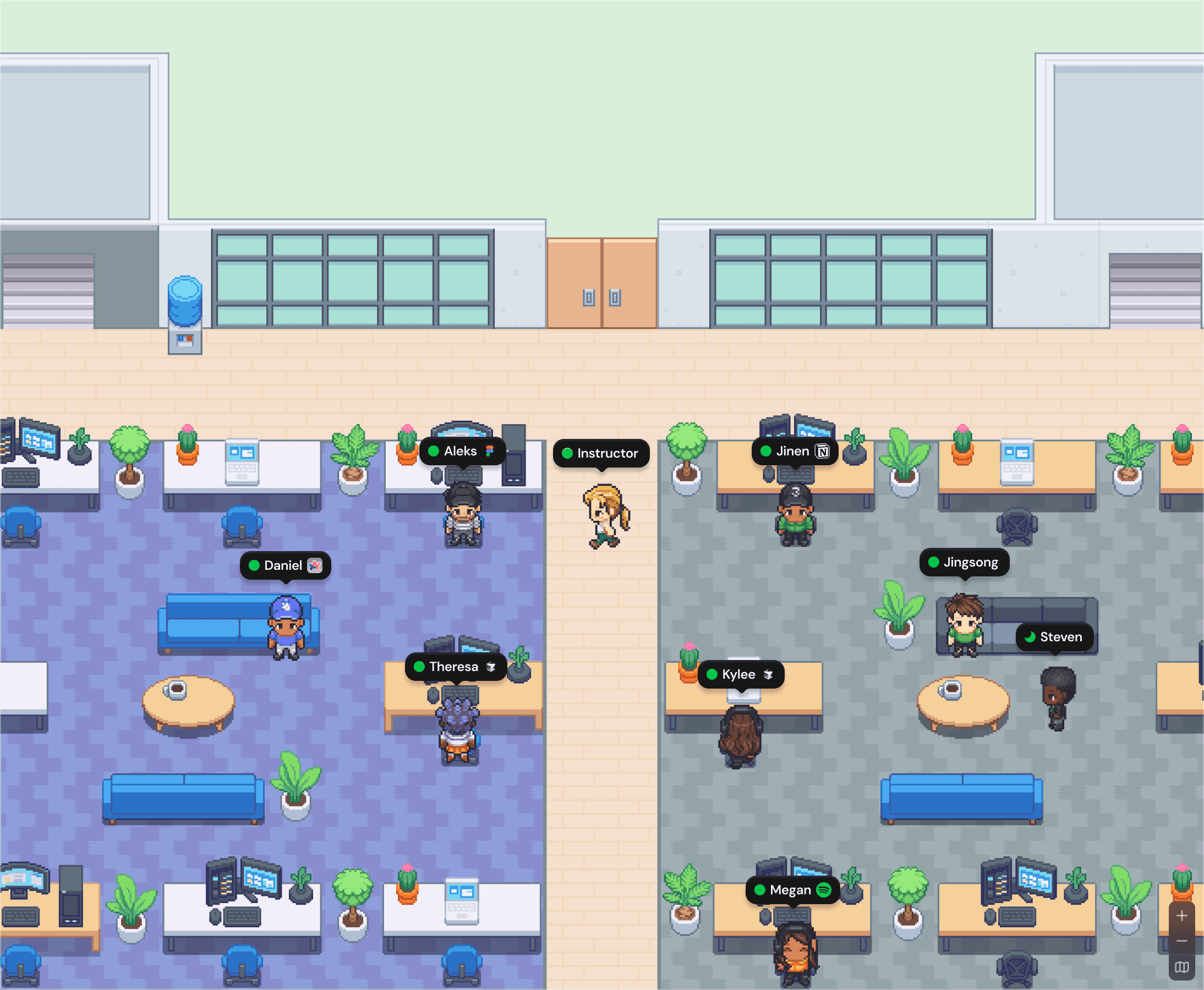
Learning that isn't bound by a meeting grid
Learning that isn't bound by a meeting grid
Most virtual collaboration tools are made for meetings. Gather is made for the moments in between, bringing the energy of a classroom back to remote learning.
Most virtual collaboration tools are made for meetings. Gather is made for the moments in between, bringing the energy of a classroom back to remote learning.
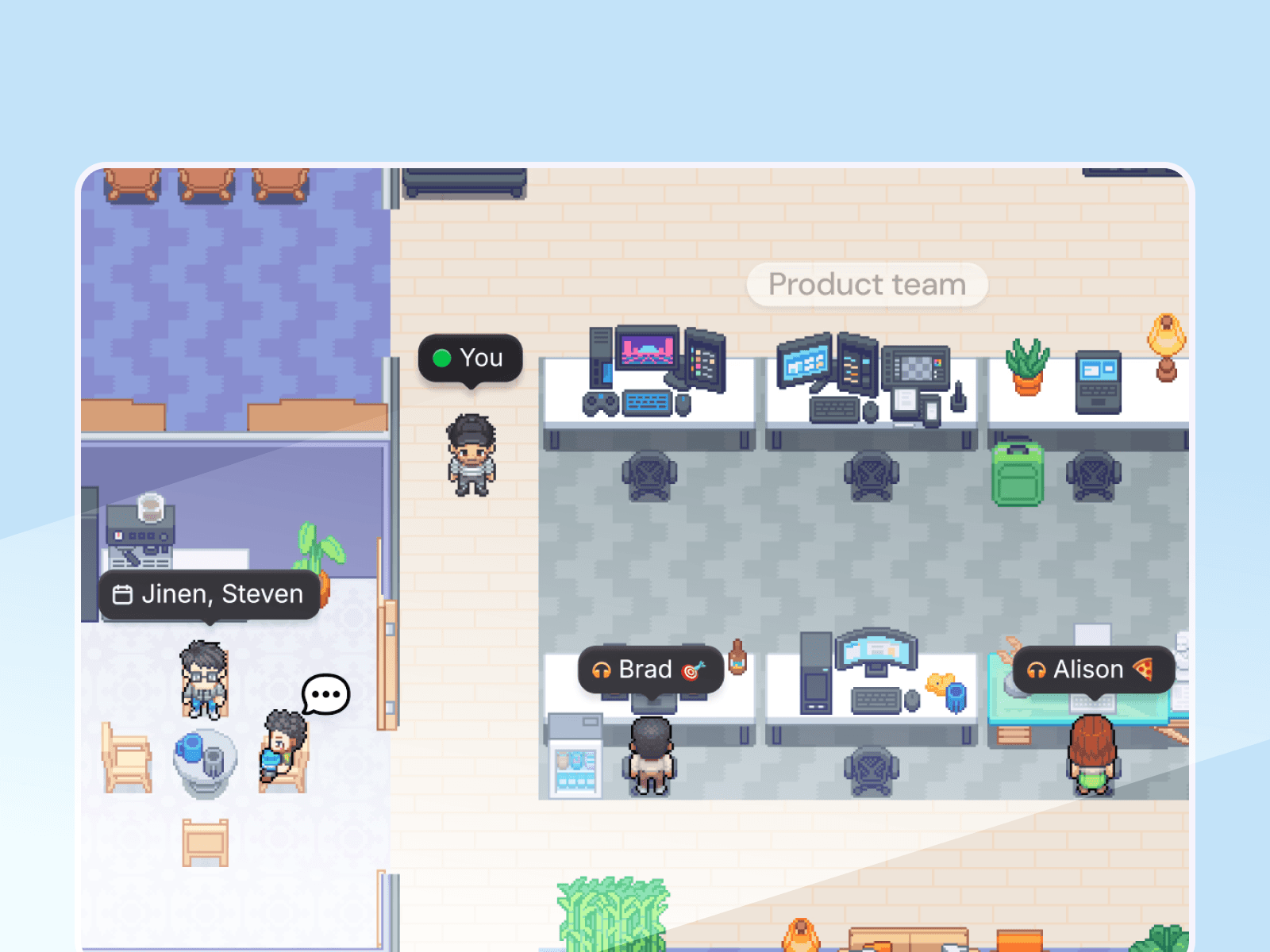
Easy virtual office hours
Walk through the virtual space, see who's waiting, and jump into conversations naturally. No appointment needed.
Easy virtual office hours
Walk through the virtual space, see who's waiting, and jump into conversations naturally. No appointment needed.
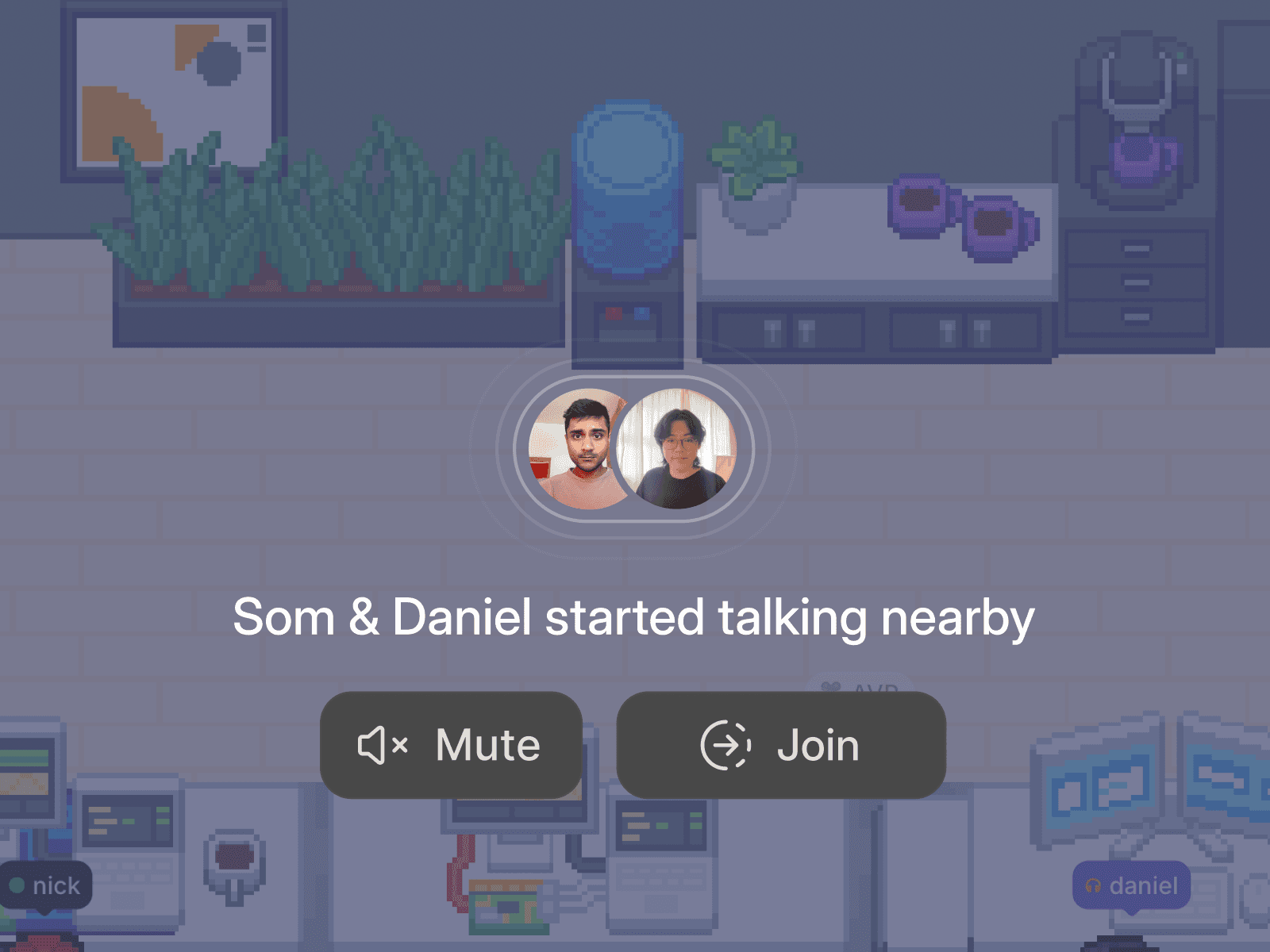
Split into groups in seconds
Divide your class for discussion, lab work, or project time, then pull everyone back together just as fast.
Split into groups in seconds
Divide your class for discussion, lab work, or project time, then pull everyone back together just as fast.
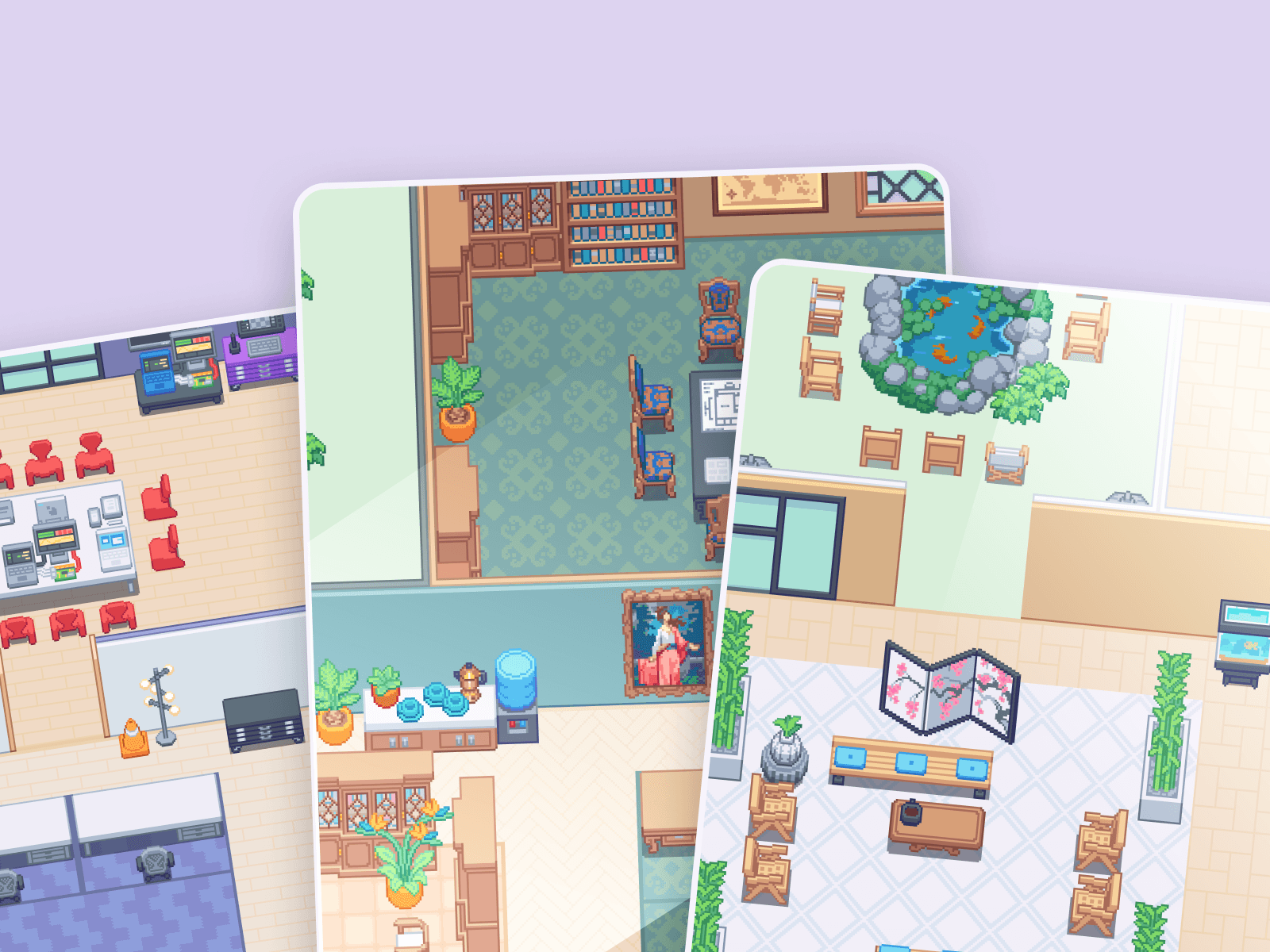
Learning by osmosis
Students can hear what’s happening around them and learn from each other, not just you. Good ideas spread like they do in a real classroom.
Learning by osmosis
Students can hear what’s happening around them and learn from each other, not just you. Good ideas spread like they do in a real classroom.
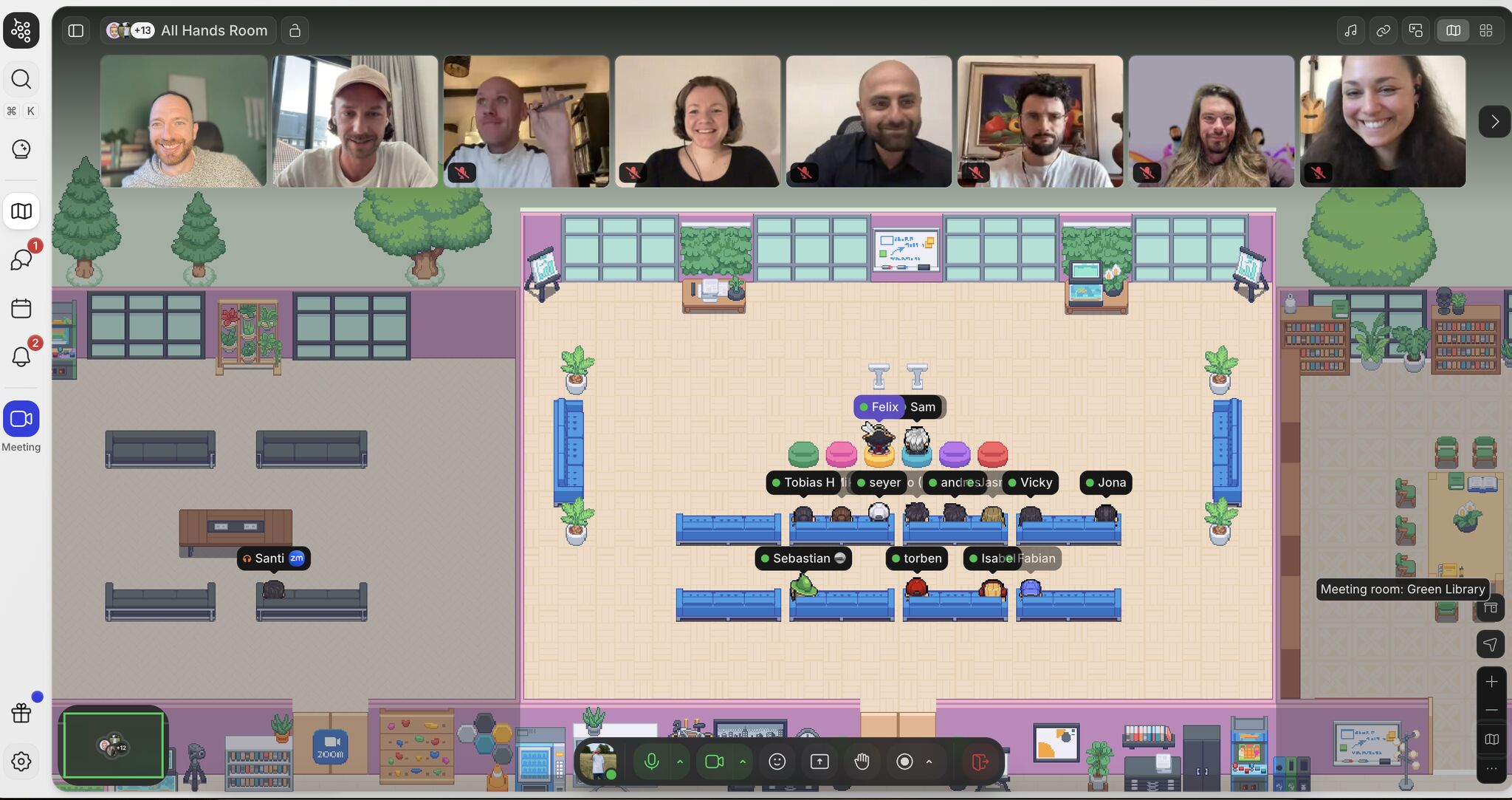
"What surprised me [about Gather] is how much friction disappears when 'being around' becomes visible again. You see who’s there. You get a feel for availability. Quick questions become quick again because you can virtually walk over 🙌🏻"

Felix Göbel
Senior Account Executive at awork
"What surprised me [about Gather] is how much friction disappears when 'being around' becomes visible again. You see who’s there. You get a feel for availability. Quick questions become quick again because you can virtually walk over 🙌🏻"
Felix Göbel
Senior Account Executive at awork
Create an open door classroom
No more "can you hop on a call?" back-and-forth. Walk around the room, talk through concepts, and help students learn. The average Gather conversation runs under 10 minutes.

Create an open door classroom
No more "can you hop on a call?" back-and-forth. Walk around the room, talk through concepts, and help students learn. The average Gather conversation runs under 10 minutes.
Create an open door classroom
No more "can you hop on a call?" back-and-forth. Walk around the room, talk through concepts, and help students learn. The average Gather conversation runs under 10 minutes.
Group work that actually works
Gather the class together, then easily split into groups. Students can collaborate in their own area while you float between groups, just like in person.

Group work that actually works
Gather the class together, then easily split into groups. Students can collaborate in their own area while you float between groups, just like in person.
Group work that actually works
Gather the class together, then easily split into groups. Students can collaborate in their own area while you float between groups, just like in person.
Classmates who know each other
The best learning happens in-between lectures. Gather brings the whole class together so students can work on projects, ask each other questions, and form study groups that help them stay enrolled and engaged.

Classmates who know each other
The best learning happens in-between lectures. Gather brings the whole class together so students can work on projects, ask each other questions, and form study groups that help them stay enrolled and engaged.
Classmates who know each other
The best learning happens in-between lectures. Gather brings the whole class together so students can work on projects, ask each other questions, and form study groups that help them stay enrolled and engaged.
FAQs
Can Gather be used as a virtual classroom?
Yes. Gather is used by universities, bootcamps, and online programs to run live classes, office hours, and collaborative study sessions. Instructors can split students into breakout groups, float between conversations, and hold open office hours, all from one virtual workspace.
How is Gather different from Zoom for remote learning?
Zoom is designed for structured meetings. Gather is designed for the moments in between, like when a student wants to ask a quick question, when a group needs to work together without scheduling a call, or when an instructor wants to hold open office hours without managing a queue. Conversations in Gather can start the way they do in person: by walking over.
Does Gather work for university office hours?
Gather is well-suited for virtual office hours. Students can see when an instructor is available and approach naturally. Instructors can hold conversations in a public space where other students can overhear (great for group learning) or move the conversation to a virtual meeting room for more privacy.
How do I get started?
Getting started with Gather is easy, and your first 30 days are on us! It takes less than 10 minutes to set up your workspace. You can choose to invite teammates immediately or spend extra time customizing your virtual office.
For onboarding tips, check out our pilot guide.
Moving from Gather 1.0? Follow the migration guide.
Still have questions?
FAQs
Can Gather be used as a virtual classroom?
Yes. Gather is used by universities, bootcamps, and online programs to run live classes, office hours, and collaborative study sessions. Instructors can split students into breakout groups, float between conversations, and hold open office hours, all from one virtual workspace.
How is Gather different from Zoom for remote learning?
Zoom is designed for structured meetings. Gather is designed for the moments in between, like when a student wants to ask a quick question, when a group needs to work together without scheduling a call, or when an instructor wants to hold open office hours without managing a queue. Conversations in Gather can start the way they do in person: by walking over.
Does Gather work for university office hours?
Gather is well-suited for virtual office hours. Students can see when an instructor is available and approach naturally. Instructors can hold conversations in a public space where other students can overhear (great for group learning) or move the conversation to a virtual meeting room for more privacy.
How do I get started?
Getting started with Gather is easy, and your first 30 days are on us! It takes less than 10 minutes to set up your workspace. You can choose to invite teammates immediately or spend extra time customizing your virtual office.
For onboarding tips, check out our pilot guide.
Moving from Gather 1.0? Follow the migration guide.
Still have questions?
FAQs
Can Gather be used as a virtual classroom?
Yes. Gather is used by universities, bootcamps, and online programs to run live classes, office hours, and collaborative study sessions. Instructors can split students into breakout groups, float between conversations, and hold open office hours, all from one virtual workspace.
How is Gather different from Zoom for remote learning?
Zoom is designed for structured meetings. Gather is designed for the moments in between, like when a student wants to ask a quick question, when a group needs to work together without scheduling a call, or when an instructor wants to hold open office hours without managing a queue. Conversations in Gather can start the way they do in person: by walking over.
Does Gather work for university office hours?
Gather is well-suited for virtual office hours. Students can see when an instructor is available and approach naturally. Instructors can hold conversations in a public space where other students can overhear (great for group learning) or move the conversation to a virtual meeting room for more privacy.
How do I get started?
Getting started with Gather is easy, and your first 30 days are on us! It takes less than 10 minutes to set up your workspace. You can choose to invite teammates immediately or spend extra time customizing your virtual office.
For onboarding tips, check out our pilot guide.
Moving from Gather 1.0? Follow the migration guide.
Still have questions?
The first 30 days are on us
Try Gather 2.0 free with your team. No credit card. No setup fees.
2 Minutes
Choose & configure your space
1 Click
Invite your team
Immediately
Start collaborating
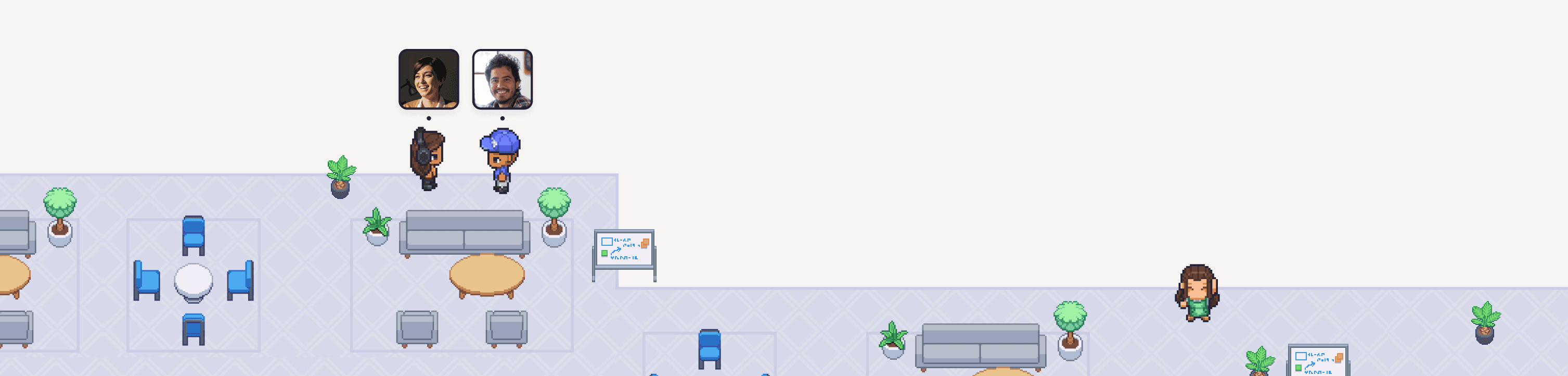
The first 30 days are on us
Try Gather 2.0 free with your team. No credit card. No setup fees.
2 Minutes
Choose & configure your space
1 Click
Invite your team
Immediately
Start collaborating
The first 30 days are on us
Try Gather 2.0 free with your team. No credit card. No setup fees.
2 Minutes
Choose & configure your space
1 Click
Invite your team
Immediately