Discordはチャットやコミュニティ形成には素晴らしいアプリですが、毎日のスタンドアップミーティングやスプリントプランニングを行うにあたって、多くのリモートワークチームが求めているのは、予定された会議も突発的な会話と同じくらい手軽にできるコラボレーションツールです。つまり、カレンダー連携、同時画面共有、録画・録音、そしてミーティングの要約や文字起こしといった機能が不可欠になります。
もしみなさんのチームがDiscordに代わるツールをお探しなら、まさにぴったりの場所へお越しいただきました!実は思っている以上にたくさんの選択肢があるんですよ。ZoomやGoogle Meetのような従来の会議ツールもあれば、Slackのようにチャット主体のアプリもあります。
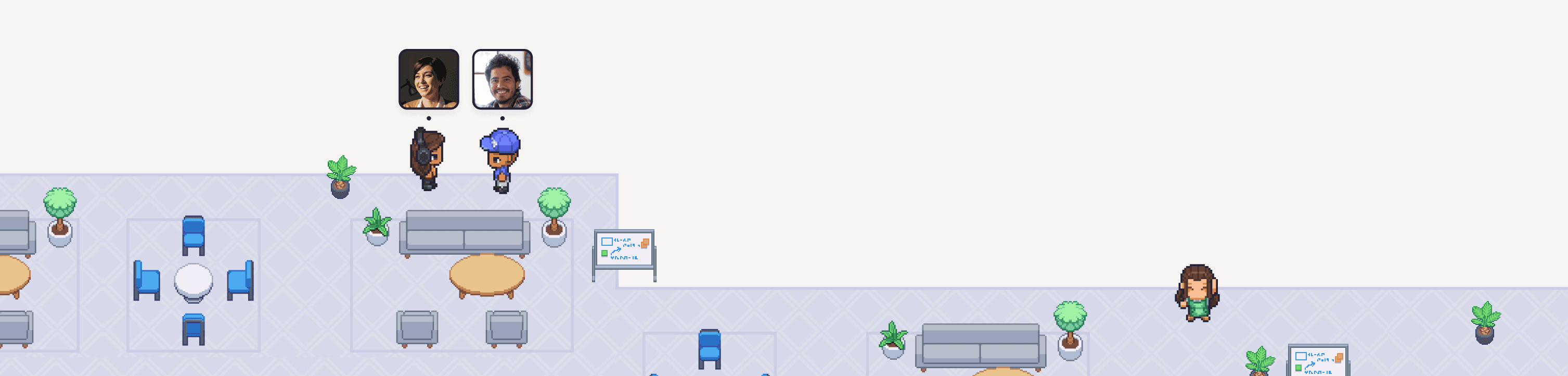
そしてもう一つの選択肢が、Gatherのようなツールです。これは、リモートワークチームがまるで実際に対面しているかのように集まり、チャットし、交流できるバーチャルオフィスです。より本格的な会議ツールを導入したいけれど、楽しくてインタラクティブなワークスペースも維持したいというDiscord利用チームの多くが、Gatherへと切り替えています。
みなさんのツール探しをお手伝いするため、次のお気に入りワークツール候補となる6つのDiscord代替ツールをまとめました!
Gather:Discordならではのカルチャーやカジュアルなつながりをそのまま残したいチームに最適!
Slack:機能が豊富で、チャット中心のワークスペースを構築したいチームに最適!
Microsoft Teams:すでにMicrosoft 365の環境が整っているチームに最適!
Google Workspace(チャット + Meet):日頃からGmailやGoogleドライブを使っているチームに最適!
Zoom:誰もが知っている定番のビデオ会議ツールを使いたいチームに最適!
Whereby:アプリのダウンロードなしで、サクッとビデオ通話を始めたいチームに最適!
1. Gather
Discordならではのカルチャーやカジュアルなつながりをそのまま残したいチームに最適!
料金: 1メンバーあたり月額12ドル(年払い)または1メンバーあたり月額15ドル(月払い)。大規模チーム向けのカスタムプランについては、お気軽にお問い合わせください。
無料トライアルはありますか? はい!クレジットカードの登録不要で、30日間の無料トライアルをお試しいただけます。
主な機能:
会議や突発的な会話に使える、無制限の音声・ビデオ通話
チャンネル、ダイレクトメッセージ(DM)、会議中チャットを含む無制限のチャット機能
自由にカスタマイズできるバーチャルオフィス
会議の録画・録音と文字起こし
Googleカレンダー連携
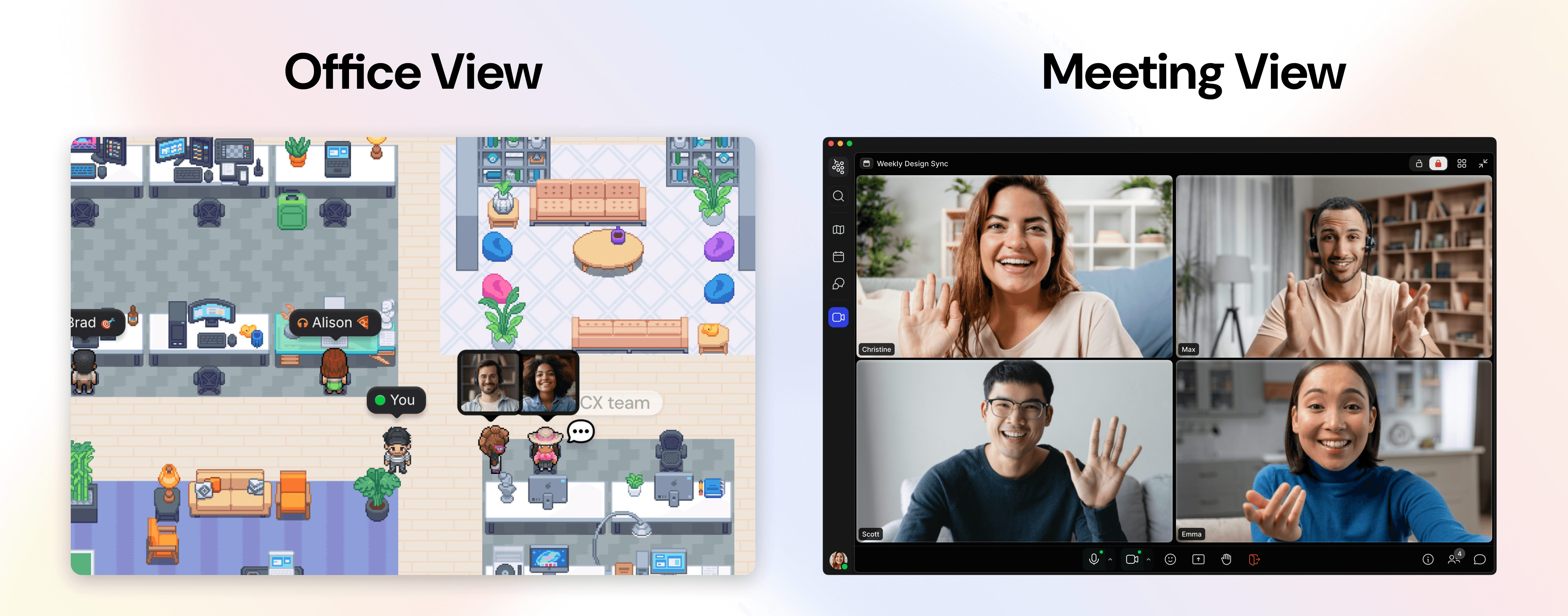
Discordのチャットやボイスチャンネルは、わざわざ会議を予約しなくても気軽に人とつながれる素晴らしい仕組みです。Gatherもまさにその「気軽さ」を大切にしていますが、ゲームサーバーではなく、リモートワーク専用にデザインされているのが特徴です。
チャットチャンネルに加えて、メンバー全員でお互いの姿が見え、自由に歩き回れるカスタムバーチャルオフィスが手に入ります。パッと見渡すだけで、「誰が話し込んでいるか」「誰が集中モードに入っているか」「誰が今すぐ話せる状態か」がすぐにわかります。話しかけるときは相手のところにアバターで近づくだけと、とっても簡単!もちろん、改まった打ち合わせのために会議をスケジュールすることも可能です。
Gatherに移行したチームからは、つながるのが本当に簡単になったことや、ワークスペースのカスタマイズがとても楽しいと大好評です!オフィスを季節のイベント仕様にデコレーションしたり、チームの成長に合わせてレイアウトを変更したり、自分たちのチームらしいユニークなオフィスを作ることができますよ。
「Gatherは日常にちょっとした楽しさをもたらしてくれます。たとえ離れた場所にいても、チームのつながりを維持するための大きな力になっています。」
クララ・ダライ氏(Clara Daray、ブエノスアイレスを拠点とするクリエイティブ・コンテンツ・エージェンシー「Pegasus Content」共同創設者)
Gatherでの平均的な会話時間は10分未満です。導入したチームでは、エンゲージメントが最大70%向上した一方で、SlackやGoogle Meetのメッセージ送信数を80%削減することに成功しています。
ご自身で試してみませんか?まずは30日間の無料トライアルから始めましょう!
2. Slack
オールインワンのチャット中心ワークスペースを作りたいチームに最適
料金: 制限付きの無料プランあり。Proプランは1ユーザーあたり月額8.75ドル(月払い)。Business+プランは1ユーザーあたり月額18ドル(月払い)。Enterprise+プランはカスタム見積もりとなります。
無料トライアルはありますか? 決まったトライアル期間はありませんが、ワークスペースの所有者であれば、クレジットカード登録不要でProまたはBusiness+プランの無料トライアルをリクエストできます。小規模チーム向けには、期間制限なしの無料プランも用意されています。
主な機能:
チーム、プロジェクト、トピックごとに会話を整理できるチャンネル機能
メインの会話の流れを邪魔せずにやり取りできるスレッド機能
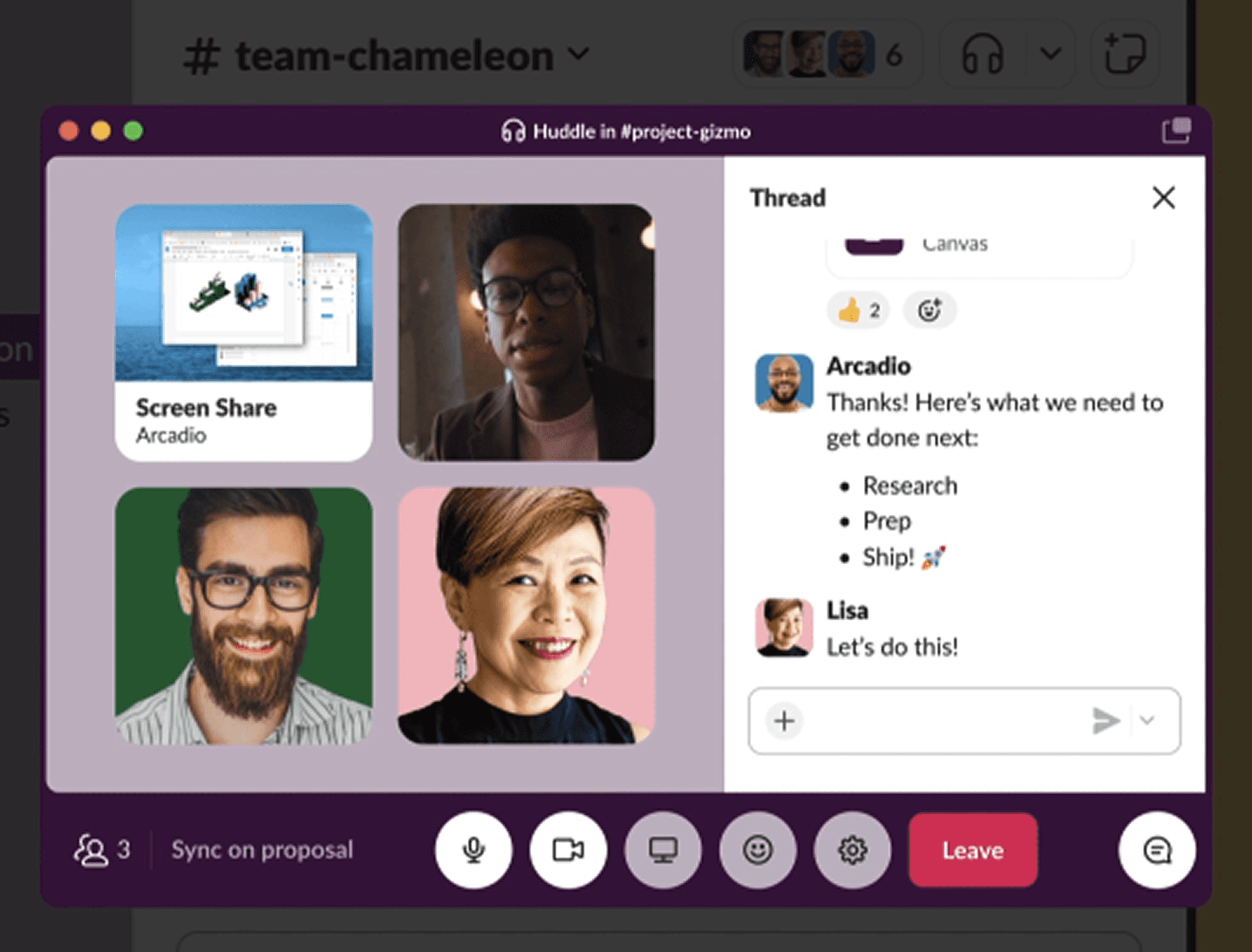
手軽な音声・ビデオ通話が始められる「ハドル」機能
外部のパートナーやクライアントとメッセージをやり取りできるSlack Connect
チームが使っているほぼすべてのツールと連携できる豊富なアプリディレクトリ
SlackとDiscordの比較:
Slackは最初からビジネス向けに構築されているため、管理者コントロール、ゲストアクセス、SSO(シングルサインオン)など、上位プランで標準提供されている機能の細部にそのこだわりが表れています。
ハドル機能を使えば、カレンダーの招待を送ることなく、ちょっとした音声やビデオ通話にスピーディーに参加できるため、Discordのボイスチャンネルのような手軽さを一部再現できます。ただ、アバターがそこにいるような「その場に一緒にいる」感覚までは完全には再現できません。ハドルはあくまで「自発的に開始する」ものであり、「ただ何となくそこに滞在する」場所ではないからです。
整理されて検索性の高い、テキスト主体のコミュニケーションを中心に、たまに手短な通話を挟むという運用を望むチームにとっては、この違いは十分に納得できるトレードオフになるでしょう。
3. Microsoft Teams
すでにMicrosoft 365環境で仕事をしているチームに最適
料金: 料金は1ユーザーあたり月額4ドル(年払い)から月額23.50ドル(年払い)まで。Teams Phone(通話追加オプション)は1ユーザーあたり月額10ドルからご利用いただけます。
無料トライアルはありますか? はい!Microsoft Teams Essentialsでは1ヶ月の無料トライアルを提供しています(事前にクレジットカードの登録が必要で、キャンセルしない場合は自動的に有料サブスクリプションに移行します)。
主な機能:
チャット、チャンネル、スレッド形式の会話
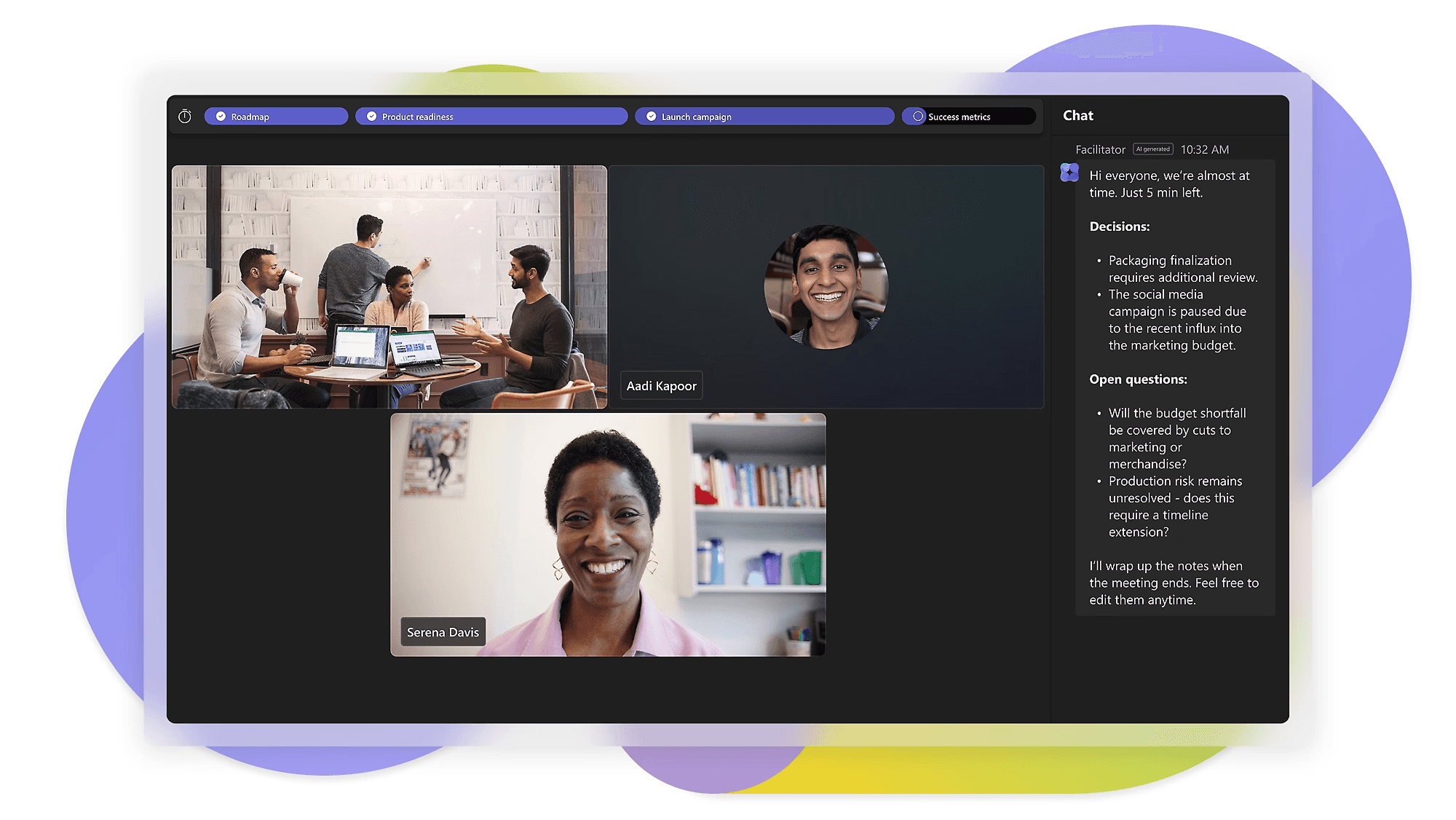
ブレイクアウトルームや「Togetherモード」を備えたビデオ会議
Outlook、SharePoint、その他Officeアプリとの深い連携
エンタープライズレベルのセキュリティおよびコンプライアンス管理
通話用のTeams Phoneアドオン
Microsoft TeamsとDiscordの比較:
もしみなさんの会社がすでにOutlookやSharePointをメインで使っているなら、Teamsを選ぶのが一番スムーズです。会議、チャット、ファイルの共同作業が、すでに普段から開いているツールの内部ですべて完結します。
また、Teamsはこのリストの中で最もフォーマルなツールであり、構造化された会議や特定のプロジェクトに紐づいたチャンネル構築を前提としています。もしみなさんのチームがDiscordのカジュアルで出入り自由なボイスチャンネルの雰囲気を気に入っていた場合、Teamsへの移行は少しカルチャーショックになるかもしれません。一方で、ビジネスライクでプロフェッショナルなアプリを求めているチームにとっては、まさに探していたツールと言えます。
4. Google Workspace(チャット + Meet)
普段からGmailやGoogleドライブをよく使っているチームに最適

料金: 1ユーザーあたり月額7ドル(年払い)から月額26.40ドル(月払い)まで。エンタープライズプランはカスタム見積もりとなります。
無料トライアルはありますか? はい、14日間の無料トライアルがあります。
主な機能:
チームやプロジェクトの会話を整理するGoogleチャットのスペース
ビデオ通話、画面共有、録画・録音ができるGoogle Meet
Gmail、ドキュメント、スプレッドシート、ドライブとの標準連携
スケジュール調整に便利な共有カレンダー
ユーザーやセキュリティを管理するための管理コンソール
Google WorkspaceとDiscordの比較:
すでにGmail、Googleドキュメント、Googleドライブを使っているチームにとって、Google Workspaceは導入のハードルが極めて低いオプションです。すべての機能が普段使っているカレンダーやドキュメントとシームレスに連携するため、スムーズに移行できます。
トレードオフとしては、Googleチャットの検索機能やスレッド整理機能は、専用のチャットツールに比べると一歩譲る部分があり、チームの規模が大きくなるにつれて会話の追跡が難しくなる点です。Meetに関しても同様で、ビデオ会議の基本機能はしっかりと押さえられていますが、このリストに掲載されている他のツールのようなプラスアルファのユニークな機能はありません。
5. Zoom
誰もが知っている、最も一般的なビデオ会議ツールを使いたいチームに最適
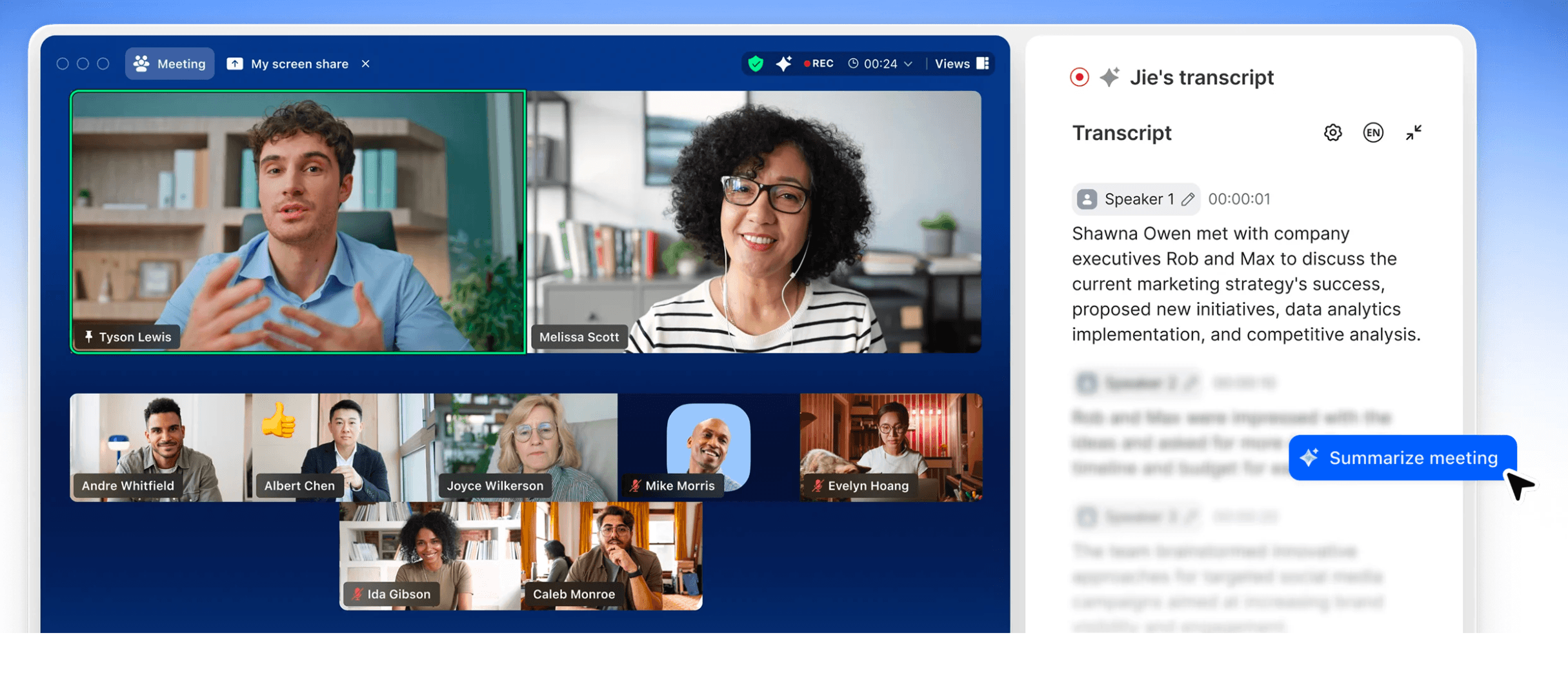
料金: グループミーティングが40分までに制限されている無料の基本プランがあります。有料プランは1ユーザーあたり月額13.33ドル(年払い)から月額21.99ドル(月払い)まで。エンタープライズプランはカスタム見積もりです。
無料トライアルはありますか? 有料プラン向けの専用トライアル期間はありませんが、基本プランが期限なしで無料提供されており、製品をテストするには十分な規模と時間の会議を行えます。
主な機能:
上位プランで最大1,000人の参加が可能なHDビデオ会議
少人数のグループディスカッションに便利なブレイクアウトルーム
リアルタイムでアイデア出しができるZoomホワイトボード
会議の要約やタスクの確認を支援するAI Companion
より大規模なニーズに応えるZoom Phoneやウェビナーアドオン
ZoomとDiscordの比較:
Zoomは多くの人にとって「会議を開く」ツールとして定着しています。そのため、常に解放されているカジュアルなボイスチャンネルから脱却し、予定された集中できるミーティングへとシフトしたいチームに最適です。
Zoomは会議そのもののために作られており、会議前後の時間を共有するツールではありません。会議中にサイドトークができる「チームチャット」機能もありますが、通話が終わると会話の継続性は失われます。チームの最優先事項が「信頼性の高い大規模なビデオ通話」であるならば、Zoomは間違いなく素晴らしい選択肢です。
6. Whereby
アプリのダウンロードなしで、サクッとビデオ通話を始めたいチームに最適
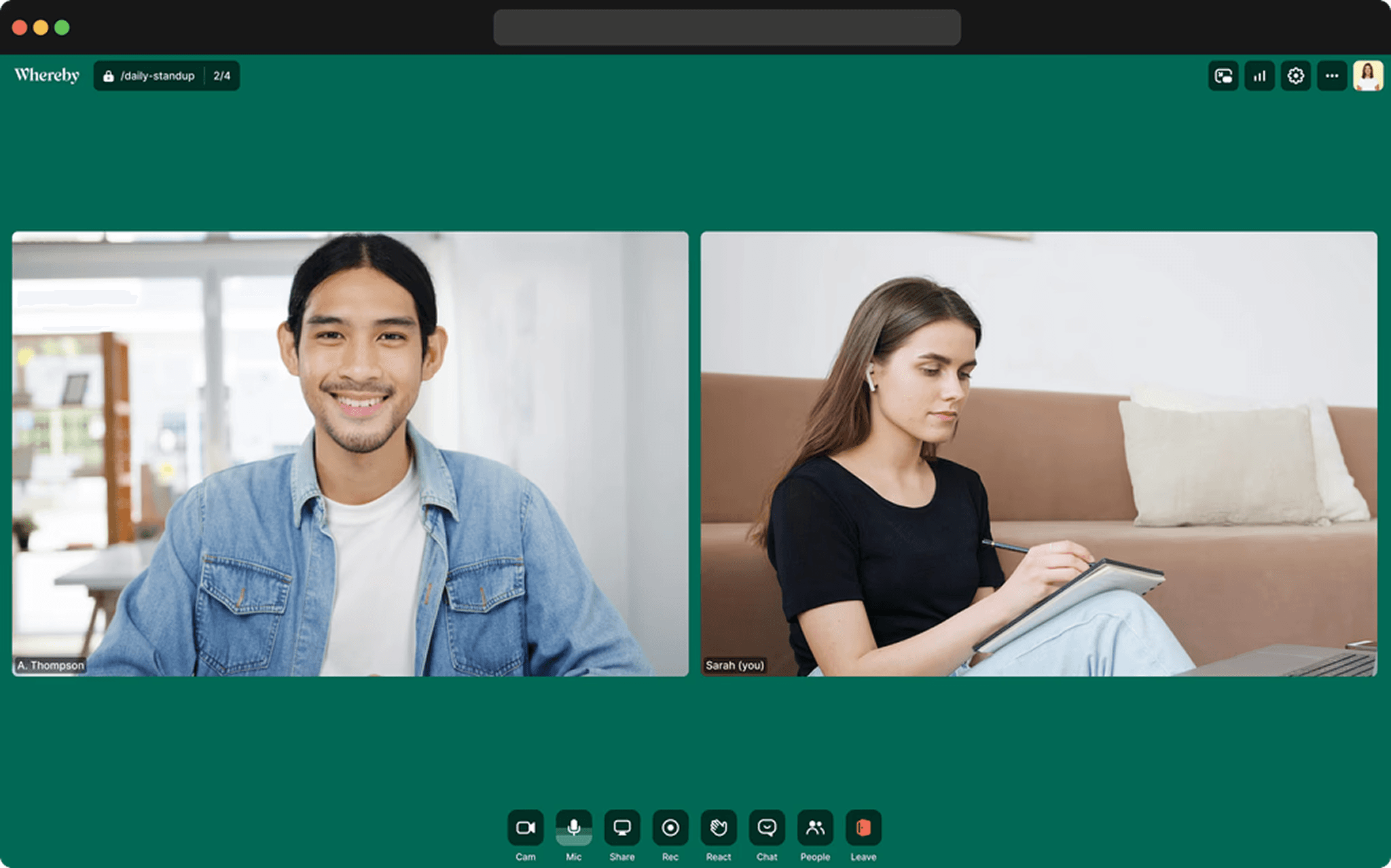
料金: 無料プランをご用意しています(ホスト1名、会議室1つ、参加者4名まで、制限時間30分)。Proプランは1ユーザーあたり月額10.99ドル。Businessプランは1ユーザーあたり月額13.99ドル(ホスト最小3名から)。年払いにすると17%おトクになります。
無料トライアルはありますか? はい!Businessプランでは14日間の無料トライアルをご利用いただけます。無料プランも、非常に少人数かつ短時間のミーティングであれば期限なしでご利用いただけます。
主な機能:
会議が終わっても毎回URLが変わらない、永続的な会議室リンク
ゲストのアプリダウンロードやアカウント作成が一切不要
有料プランで使えるカスタムブランディングとサブドメイン
Pro以上のプランで利用可能な画面共有と無制限の録画機能
複数のスペースが必要なチーム向けの共有・フレックスルーム
WherebyとDiscordの比較:
Wherebyはプライバシー最優先で、参加までの手間を極限まで省いたビデオプラットフォームです。会議ごとに新しいリンクを発行するのではなく、作成した会議室の同じURLをずっと再利用できます(これはDiscordのボイスチャンネルと非常によく似ていますね)。
大きな違いは、Wherebyには永続的なチャット機能がなく、会議室に入室しない限り誰が近くにいるかも確認できない点です。大がかりなプラットフォームを導入する手間をかけず、サクッと通話を始めたいときには軽快で素晴らしい選択肢ですが、チームによっては、Wherebyに加えてサブとなるチャットツールが欲しくなるかもしれません。
よくある質問(FAQ)
Discordをやめたら、ボイスチャンネルの便利さはあきらめなければいけませんか?
そんなことはありません!Gatherなら、自分の周りで行われている会話の声が自然と聞こえてくるので、ボイスチャンネルのように気軽にその会話に入っていくことができます。また、Slackでも手軽な音声通話用の「ハドル」が使えますし、Google Meetなどでカメラをオフにして会話を始めることも可能です。
ツールの切り替えは、チームにとって大きな負担になりますか?
思っているよりもずっと簡単ですよ!多くのチームは、完全に切り替える前の1〜2週間、現在のツールと並行して新しいツールの無料トライアルを試しています。たとえば、Gatherの30日間無料トライアルなら、Discordの環境をそのまま残したまま、まずは並行してテスト利用を始めることができます。
プライベートや一部の機能だけDiscordに残して、業務だけを移行することはできますか?
はい、そうされているチームはたくさんあります!Discordはコミュニティやプライベートのサーバーとしてそのまま使い続け、日々の業務は仕事に特化したプラットフォームへと移行するスタイルです。「100%移行するか、まったくしないか」の二択にする必要はありませんよ。
Gatherの無料トライアルには何が含まれていますか?
すべての機能をお使いいただけます!最初の30日間は無料ですので、チーム全員でじっくりすべての機能をお試しいただけます。会議や突発的なおしゃべりはもちろん、録画、AI要約、オフィスの完全なカスタマイズなど、制限なしでたっぷり体験できますよ。ぜひこちらから料金とすべてのプラン機能をご覧ください。
まとめ
ここでご紹介したツールの多くは、「Discord以外の何かが必要」という課題をクリアしてくれます。ですが、チームのメンバーが本当に寂しく思うであろう部分、つまり「お互いが同じ空間にいるという、ゆるやかなつながり」までをカバーできるのは、たった一つのツールだけです。
もしみなさんが恋しく思っているのが、単なるメッセージのやり取りではなく「みんなで集まれる温かい場所」なのだとしたら、Gatherが作るバーチャルオフィスこそが、それを叶えられる場所です。季節に合わせてオフィスを飾りつけ、部屋の向こうにいる仲間に手を振り、会議をわざわざ予約しなくても自然と会話が始まる楽しさを、ぜひ体験してみてください!