Procurando algo novo para fazer com sua equipe remota e aumentar o engajamento? Experimente um jogo online. Eles são uma ótima maneira de se divertir e se conhecer melhor sem repetir os mesmos quebra-gelos de sempre.
Este artigo traz nove dos melhores jogos online para equipes remotas, organizados por tempo de dedicação. Todos são gratuitos ou têm versão grátis para testar. Se você quer um jogo rápido para começar uma sessão de brainstorming ou um jogo mais longo para um evento social completo, temos opções para você.
Para usuários do Gather: 8 desses jogos estão incluídos no seu escritório virtual como jogos incorporados, então você nem precisa abrir outra janela para jogar.
Para quem ainda não usa o Gather: Você pode jogar esses games no navegador ou, para uma camada extra de engajamento, criar primeiro um escritório virtual grátis no Gather e jogar de lá. Sua equipe pode entrar e sair naturalmente da área do jogo, ou até se dividir em conversas paralelas, parecendo mais um evento social presencial do que apenas mais uma videochamada.
Jogos em resumo
Codewords (jogo rápido de palavras para jogar antes das reuniões): 5–10 min
Skribbl.io (jogo grátis de desenho e adivinhação): 10–15 min
Draw Battle (jogo rápido de desenho para equipes criativas): 10–15 min
GuessMe! (trivia baseada em personalidade para se conhecer melhor): 10–15 min
Top Four (jogo de ranking para debates animados) — 10–15 min
One Night Ultimate Werewolf (dedução social para equipes estratégicas): 15–20 min
Set With Friends (reconhecimento de padrões para equipes detalhistas): 15–20 min
Jstris (Tetris clássico solo ou competitivo): Sem limite de tempo
Dominion (jogo de cartas estratégico para sessões sociais dedicadas): 30–45 min
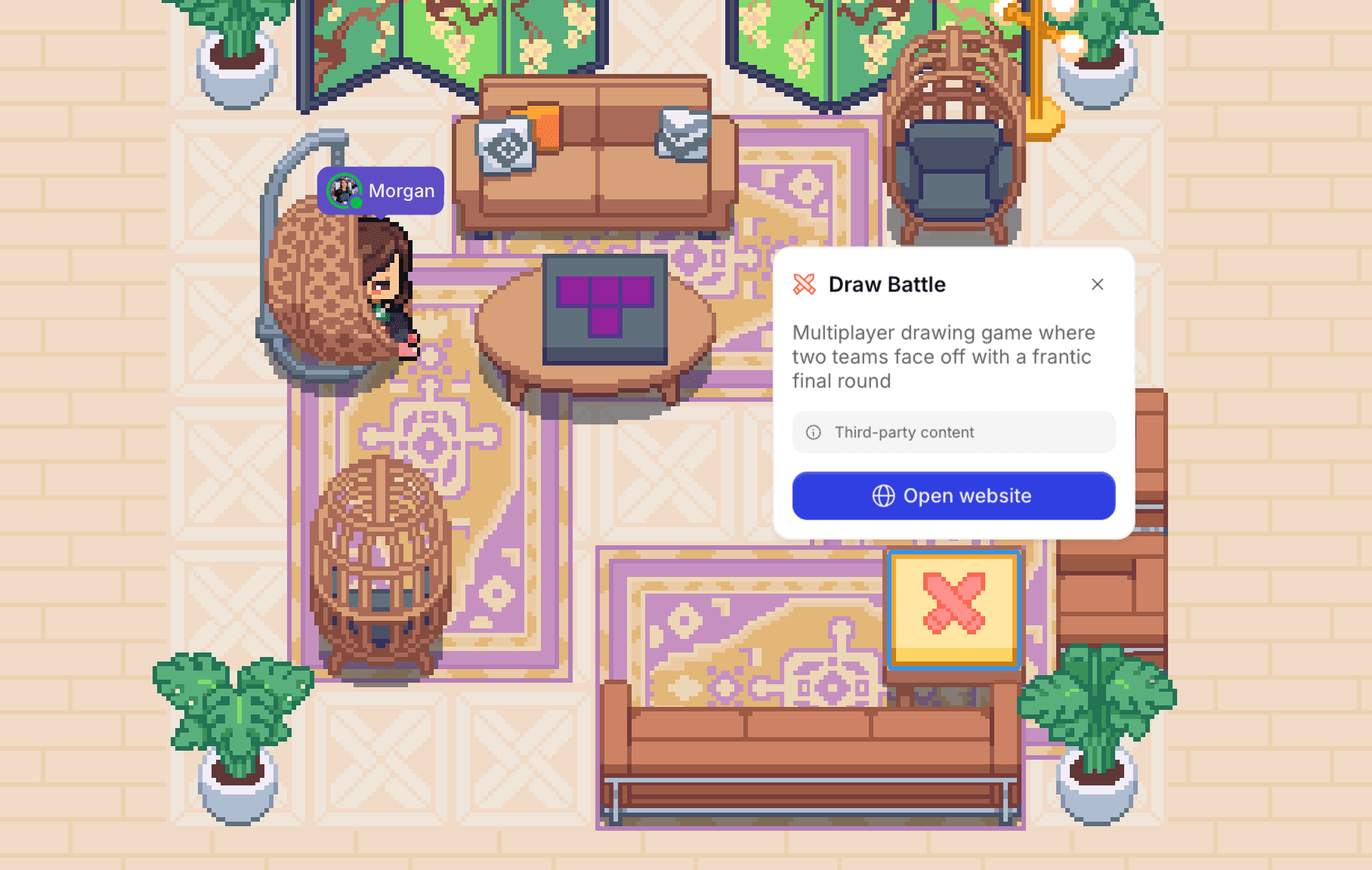
No escritório virtual do Gather, sua equipe pode ver quando alguém está jogando e entrar na hora. Não precisa convite no calendário.
1. Codewords
Jogo rápido de palavras para jogar antes das reuniões
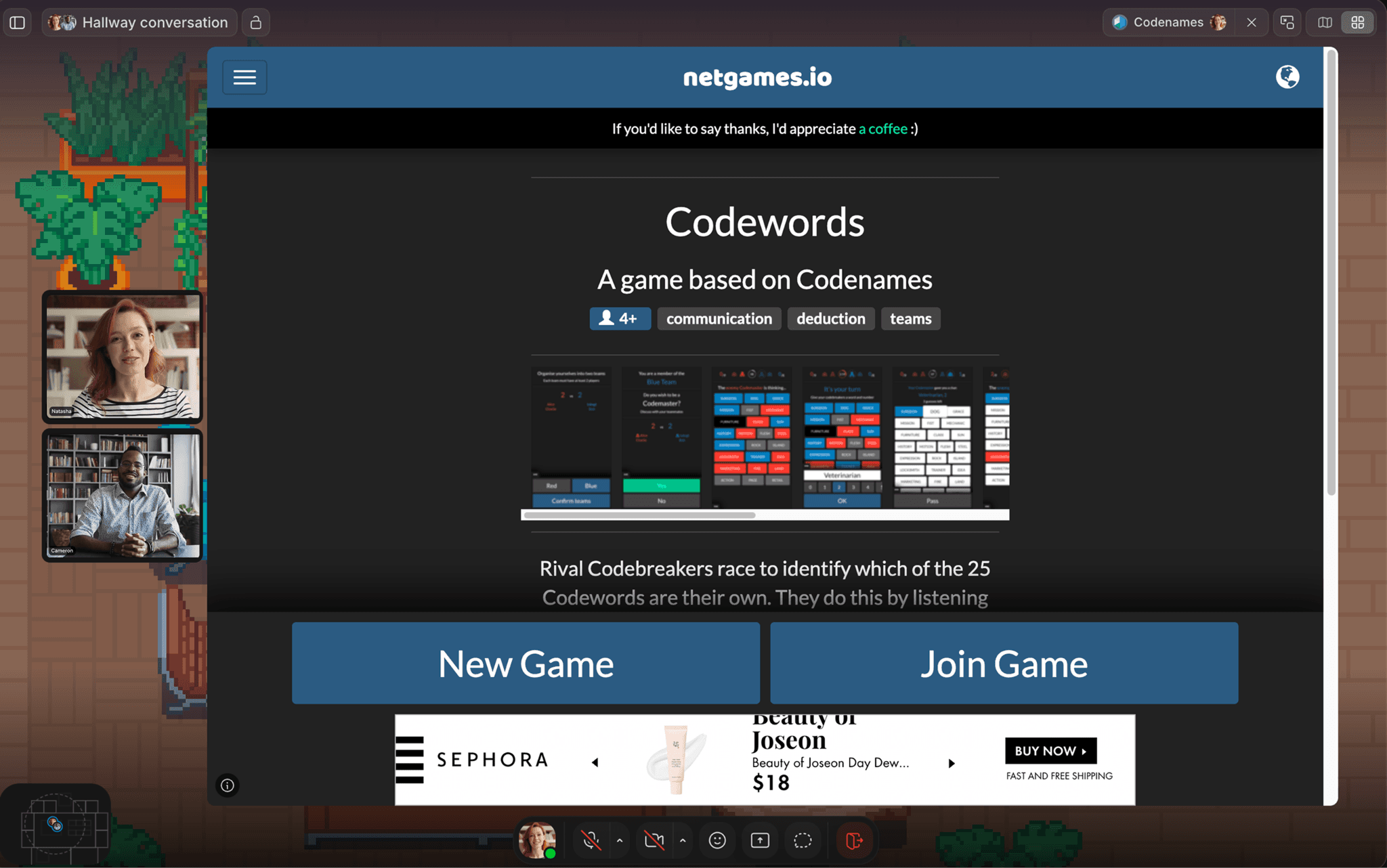
Uma partida de Codewords no Gather. Seu escritório virtual aparece ao fundo, então você está sempre conectado ao restante da equipe.
Tempo: 5–10 min
Ideal para: Quebra-gelo no início da reunião, 4 a 10 pessoas
Codewords é um jogo de associação de palavras em equipe. As rodadas são curtas, as regras levam cerca de dois minutos para explicar e ele funciona bem com grupos de tamanhos variados, o que o torna um dos quebra-gelos mais confiáveis desta lista.
Como jogar: Os jogadores se dividem em duas equipes. Cada equipe tem um Codemaster que consegue ver quais palavras no tabuleiro pertencem ao seu time. O Codemaster dá uma dica de uma palavra, e os colegas tentam adivinhar. A primeira equipe a descobrir todas as suas palavras vence!
Codewords está disponível no Gather como um jogo incorporado.
2. Skribbl.io
Jogo grátis de desenho e adivinhação
Tempo: 10–15 min
Ideal para: Qualquer tamanho de grupo, especialmente equipes que ainda não jogaram muito juntas
Skribbl.io é rápido, caótico e realmente engraçado, até com pessoas que juram que não sabem desenhar. A configuração leva cerca de 30 segundos, e você pode trocar por listas de palavras personalizadas para piadas internas da equipe ou rodadas específicas do setor.
Como jogar: Em cada rodada, um jogador é escolhido aleatoriamente para desenhar uma palavra enquanto todo mundo digita palpites no chat. Quanto mais rápido você acertar, mais pontos ganha, e o artista também marca pontos quando as pessoas acertam. As rodadas se revezam entre todos os jogadores. Para jogar com sua equipe, acesse skribbl.io, clique em "Create Private Room" e compartilhe o link.
3. Draw Battle
Jogo rápido de desenho para equipes criativas
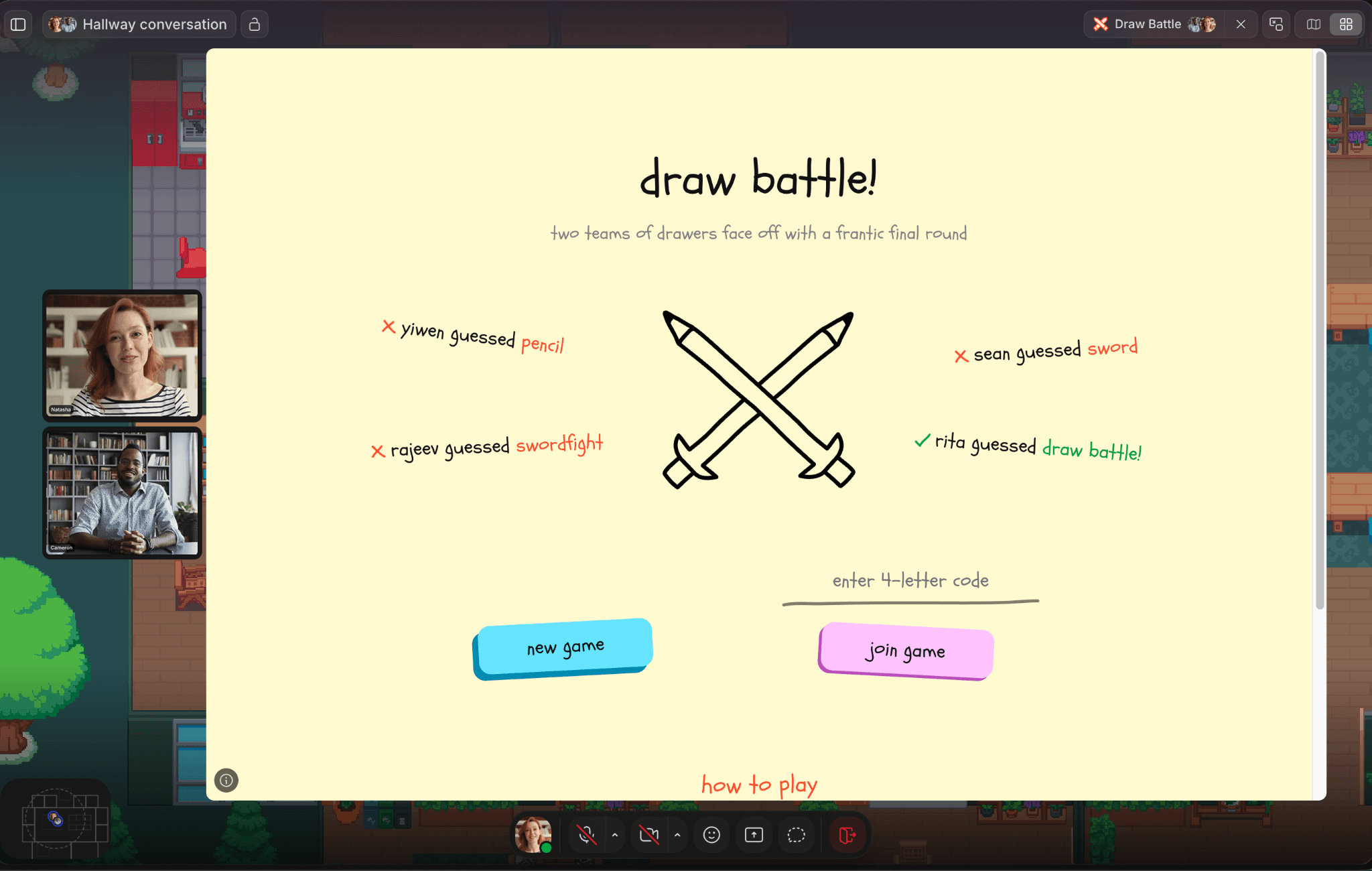
Uma partida de Draw Battle em um escritório virtual no Gather.
Tempo: 10–15 min
Ideal para: Equipes criativas, momentos sociais casuais para 4 ou mais pessoas
Enquanto o Skribbl.io é sobre adivinhar, o Draw Battle é sobre velocidade. A pressão deixa os desenhos mais improvisados e engraçados.
Como jogar: Divida o grupo em duas equipes. Em cada rodada, uma pessoa de cada equipe desenha enquanto o restante tenta adivinhar o que é. As rodadas são rápidas, as dicas são divertidas e o talento artístico dentro da equipe tende a variar bastante (do melhor jeito!).
Draw Battle está disponível no Gather como um jogo incorporado.
4. GuessMe!
Trivia baseada em personalidade para se conhecer melhor
Tempo: 10–15 min
Ideal para: Equipes novas, integração, retiros de equipe
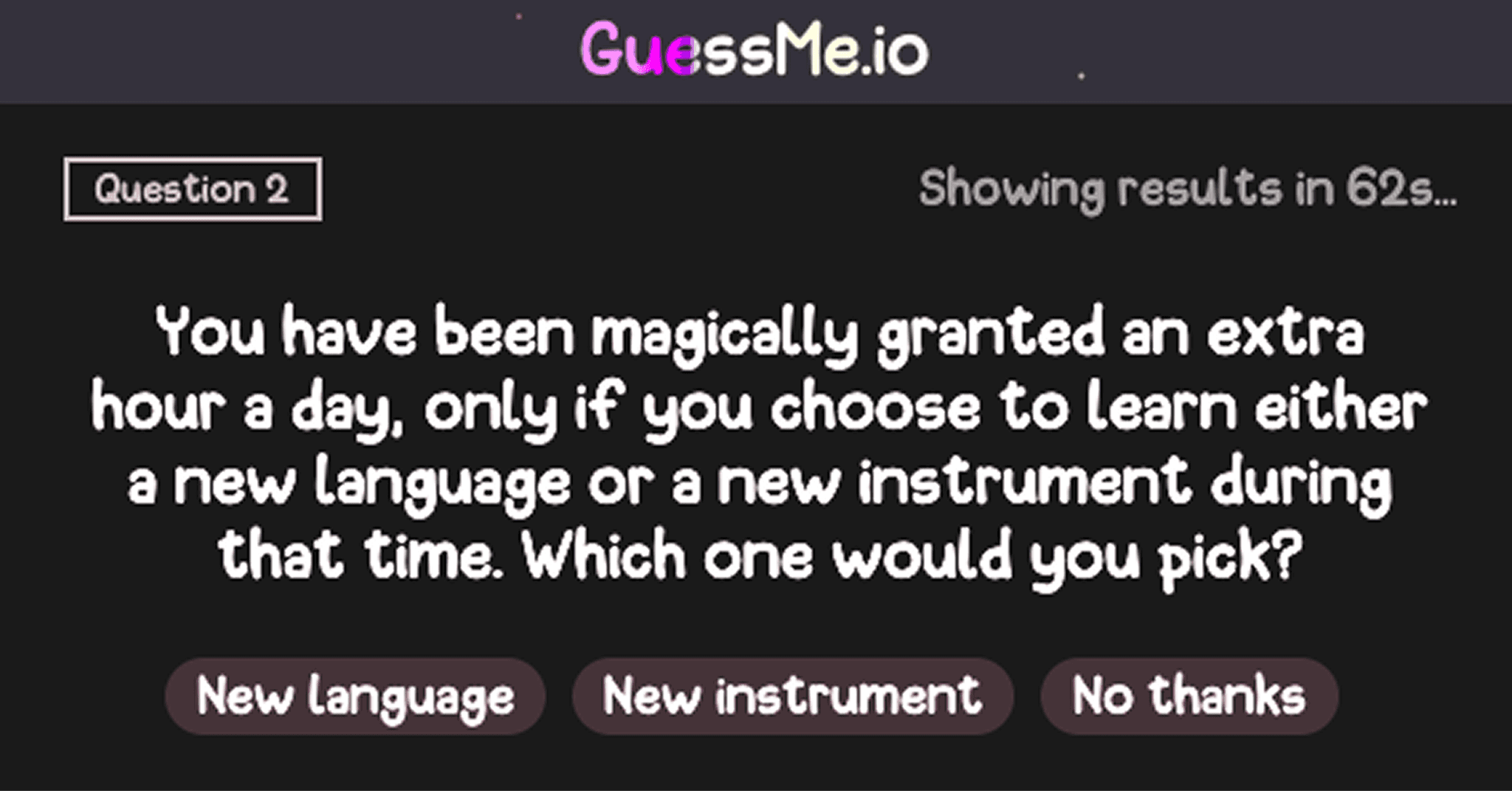
GuessMe! inverte o formato da trivia: em vez de responder perguntas sobre o mundo, os jogadores respondem perguntas sobre si mesmos. É uma das melhores opções para equipes que realmente querem se conectar, e não apenas competir, além de funcionar muito bem para integrar novos membros ou começar um retiro.
Como jogar: Em cada rodada, aparece uma pergunta e todo mundo escolhe uma resposta. Depois, surge “Qual foi a resposta de fulano?” e você tenta adivinhar a resposta daquela pessoa. Se acertar, ganha pontos! Se errar, agora você sabe mais sobre seu colega do que sabia há um minuto.
GuessMe! está disponível no Gather como um jogo incorporado.
5. Top Four
Jogo de ranking para debates animados
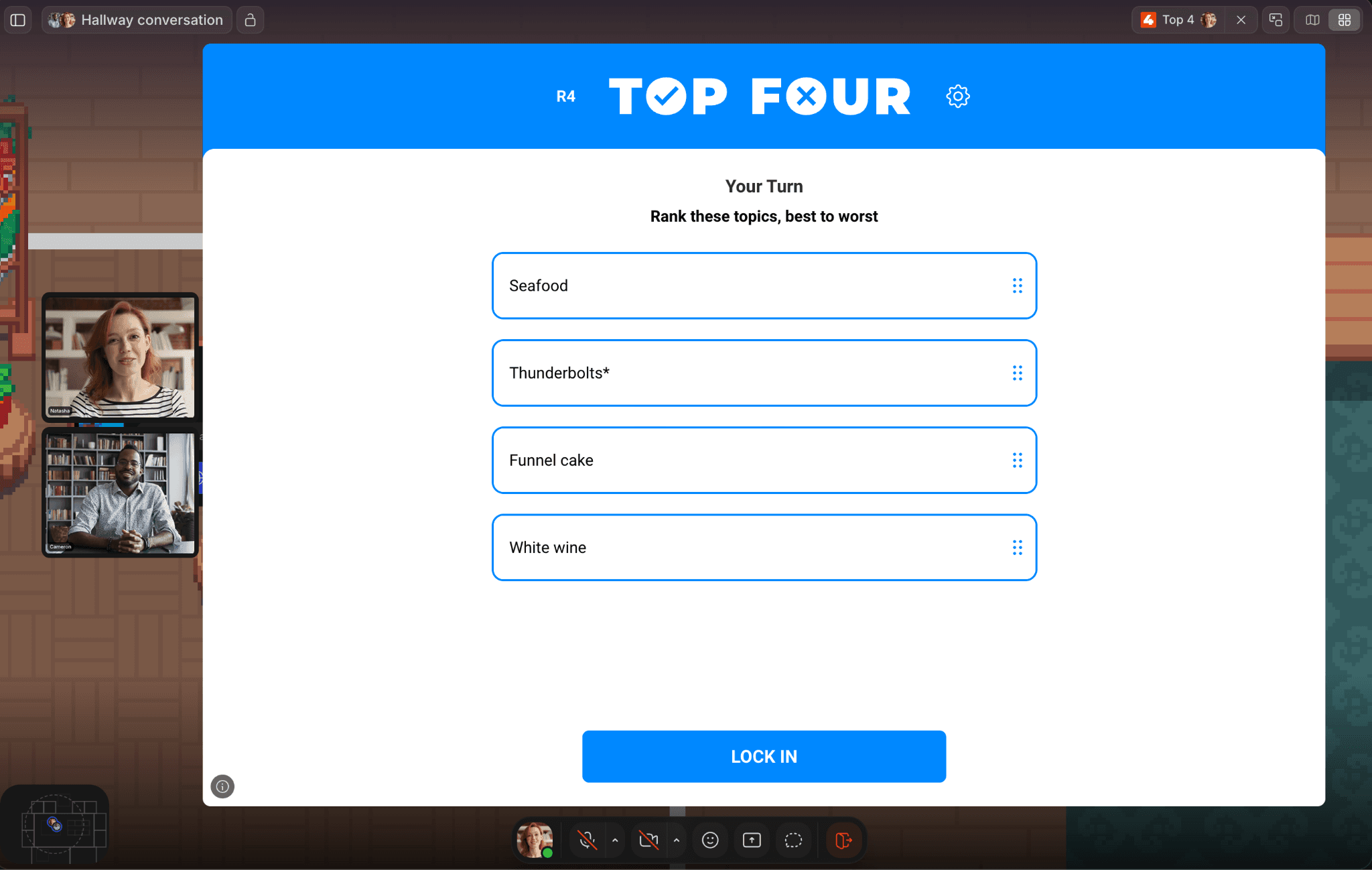
Uma partida de Top Four sendo jogada em um escritório virtual no Gather.
Tempo: 10–15 min
Ideal para: Equipes com opiniões (ou seja, quase todas 😉)
Top Four dá a todos uma categoria e pede que classifiquem quatro itens em ordem. A graça está em comparar os resultados e defender suas escolhas, o que quase sempre vira debate. ("Como assim ‘Duro de Matar’ não é um filme de Natal?!")
Como jogar: Em cada rodada, uma categoria aparece com quatro itens. O Jogador A os classifica em particular do primeiro ao quarto. Os demais jogadores tentam adivinhar a ordem em que o Jogador A os classificou. Depois, o Jogador A revela a resposta e defende sua escolha. Os pontos são dados pela precisão.
Top Four está disponível no Gather como um jogo incorporado.
6. One Night Ultimate Werewolf
Dedução social para equipes estratégicas
Tempo: 15–20 min
Ideal para: Equipes com 4 ou mais pessoas que gostam de estratégia e um pouco de caos
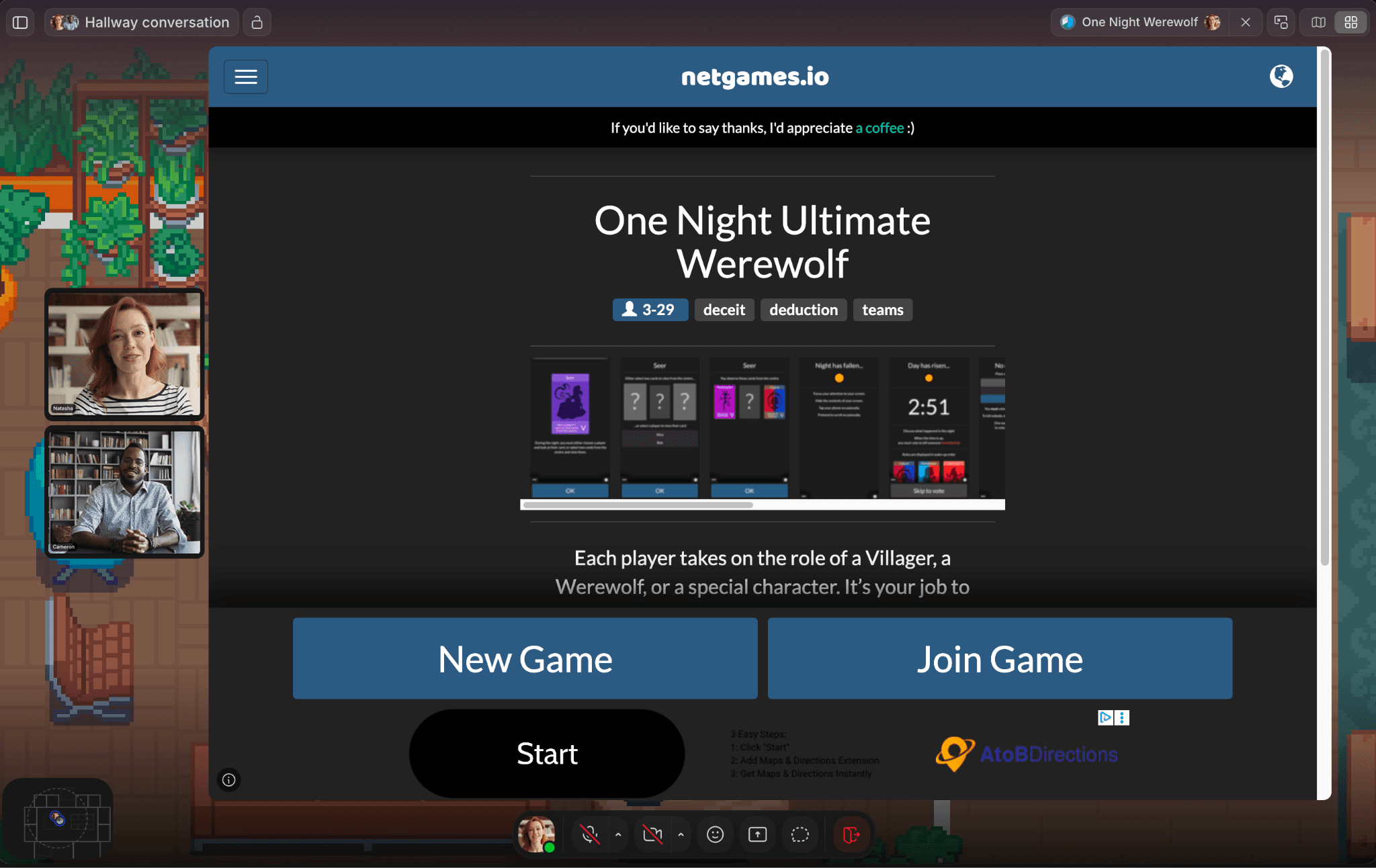
One Night Ultimate Werewolf é uma versão condensada do clássico jogo de dedução social. Uma rodada, uma noite e alguns minutos de debate antes da votação. O engano e a discussão fazem dele um dos jogos mais memoráveis desta lista.
Como jogar: Todos assumem o papel de um Vilarejo, de um Lobo-Mau ou de um personagem especial. Durante a fase da “noite”, os jogadores se revezam executando suas funções (a Vidente espiando a carta de outro jogador, o Ladrão trocando cartas e assim por diante). Quando chega a manhã, vocês precisam debater quem é o lobo e votar. Se um lobo for identificado corretamente, o vilarejo vence. Se não, o lobo vence.
One Night Ultimate Werewolf está disponível no Gather como um jogo incorporado.
7. Set With Friends
Reconhecimento de padrões para equipes detalhistas
Tempo: 15–20 min
Ideal para: Grupos menores, equipes que querem algo mais tranquilo
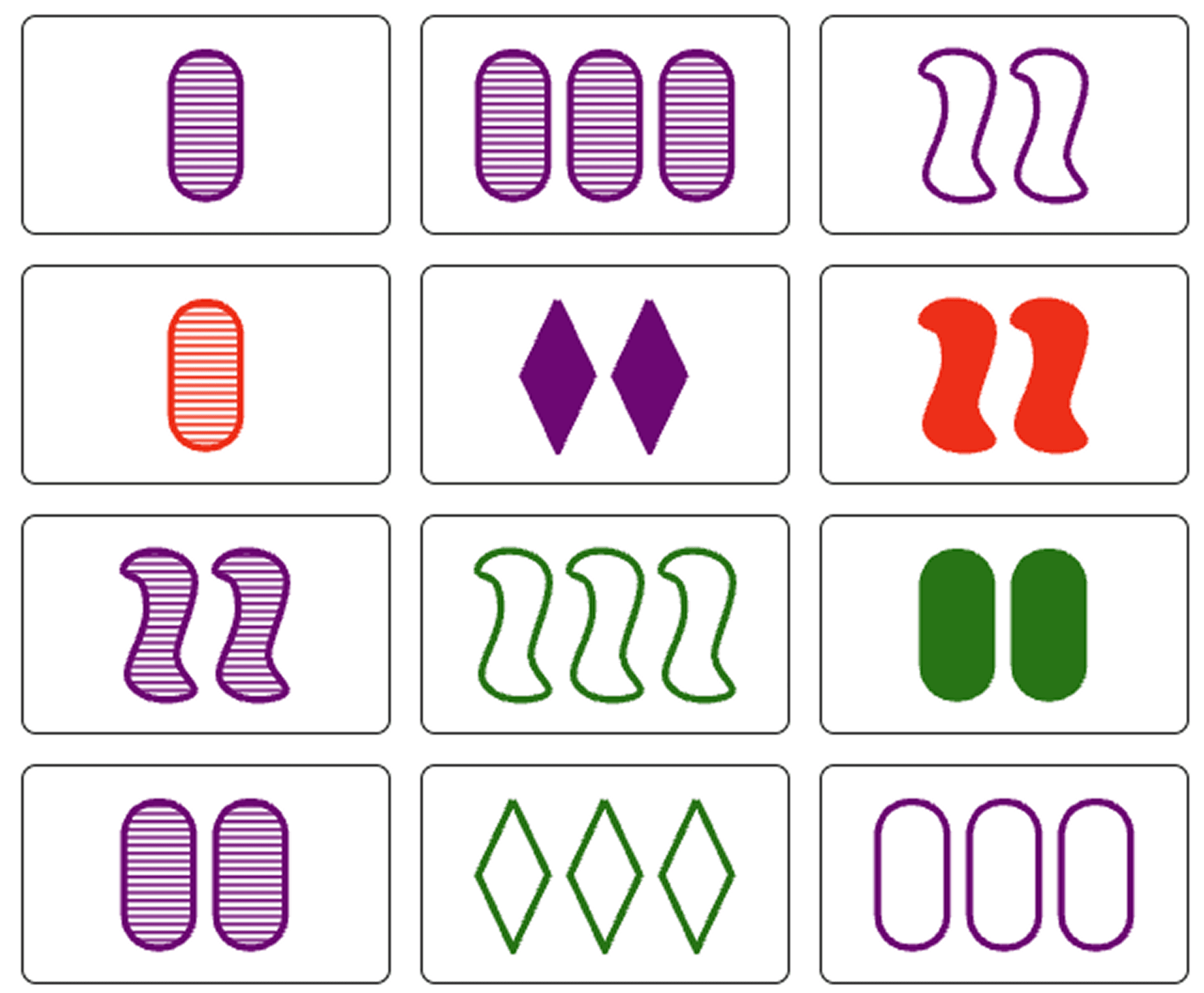
Set With Friends é mais silencioso do que a maioria dos jogos desta lista; mais quebra-cabeça do que jogo de festa. É muito satisfatório para equipes que gostam de um desafio mental, e o formato amigável ao modo assíncrono significa que os jogadores podem entrar e sair sem interromper o jogo.
Como jogar: É distribuída uma grade de 12 cartas, cada uma mostrando um símbolo com quatro atributos: número (1–3), símbolo (oval, ondulado, diamante), preenchimento (sólido, listrado, vazio) e cor (vermelho, verde, roxo). Os jogadores correm para encontrar um Set: três cartas em que cada atributo seja sempre igual ou sempre diferente entre as três cartas. Clique nas cartas, reivindique os pontos e novas cartas são distribuídas. Quem encontrar mais Sets vence!
Set With Friends está disponível no Gather como um jogo incorporado.
8. Jstris (Tetris)
Tetris clássico solo ou competitivo
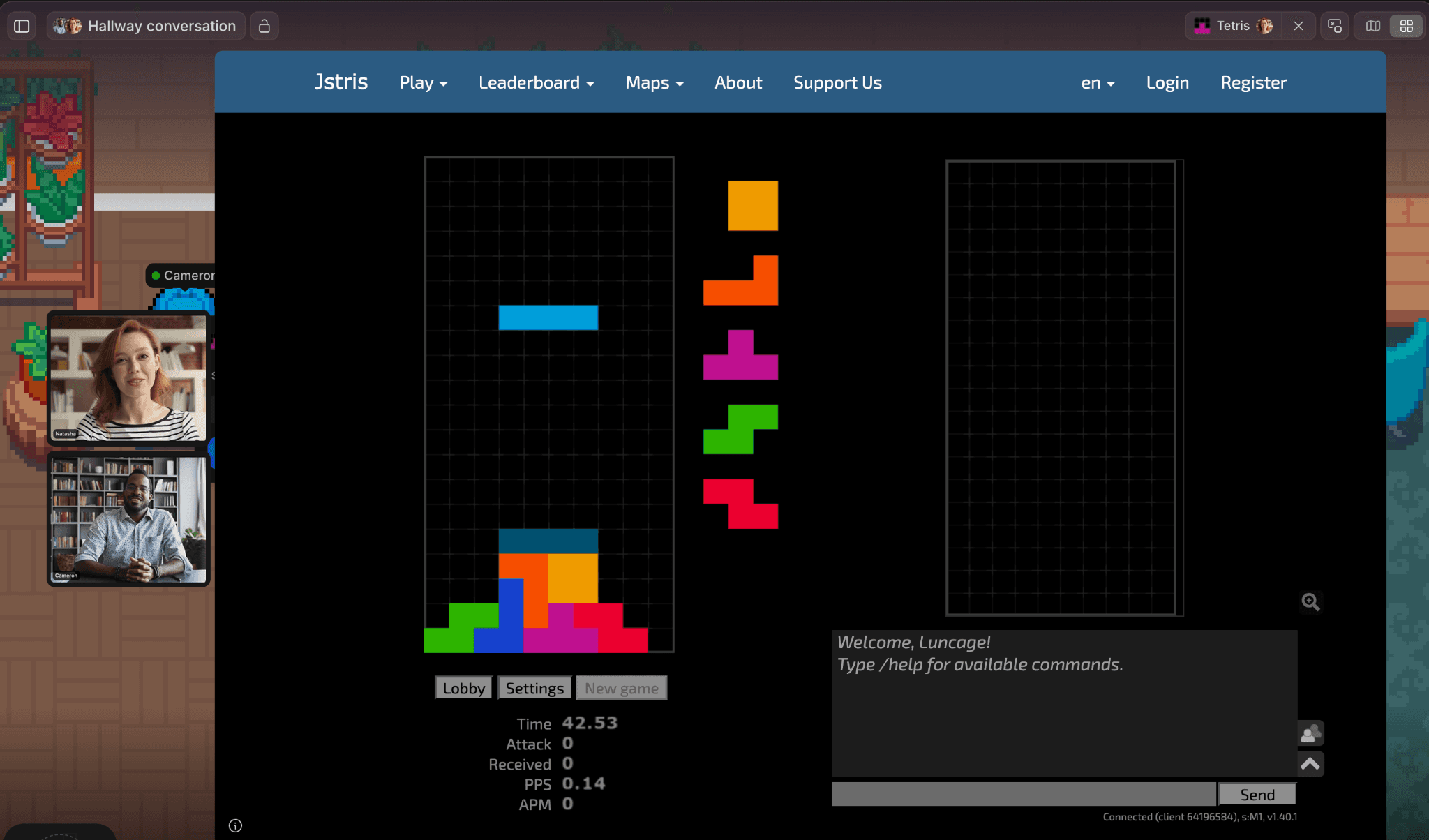
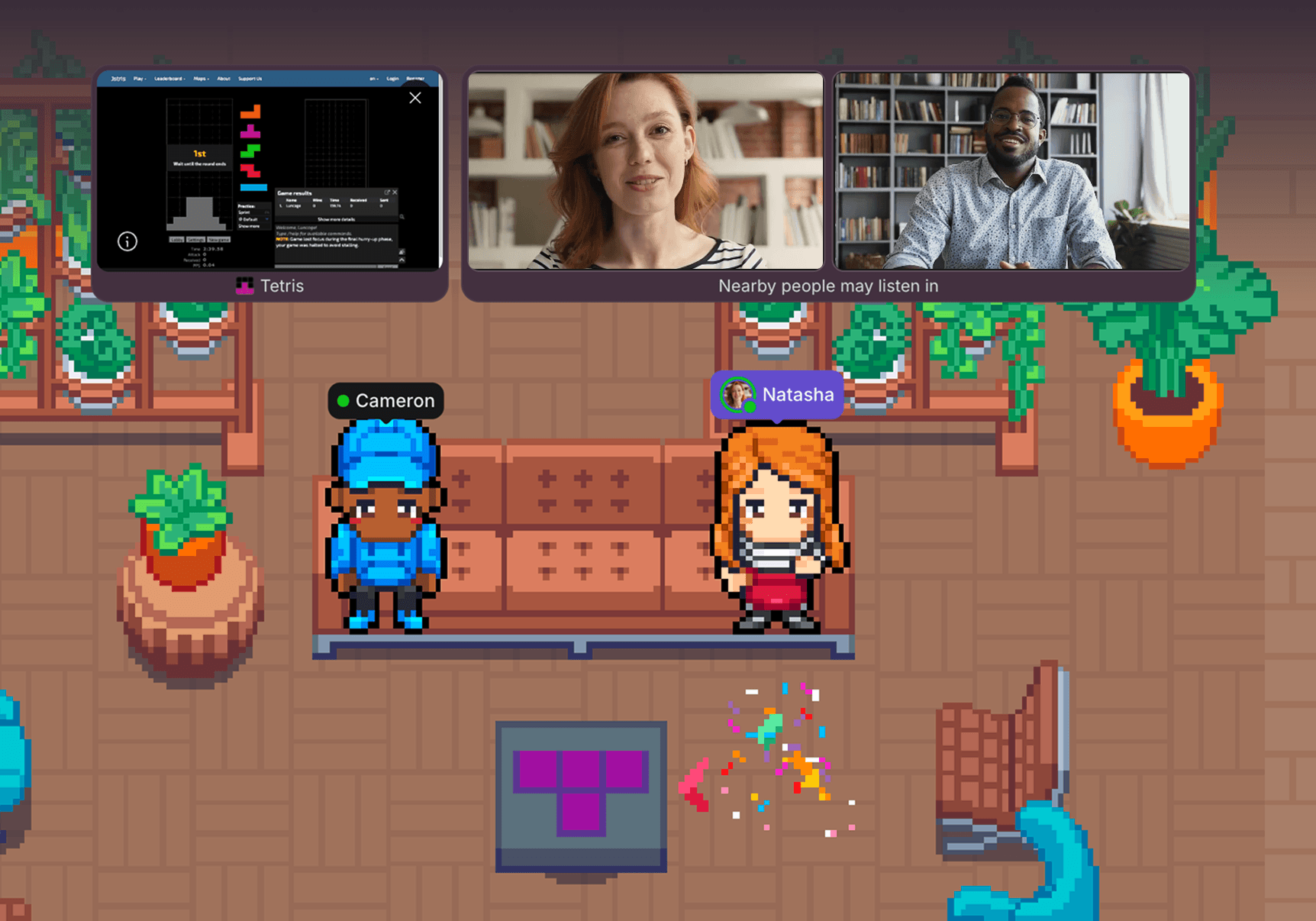
Uma partida de Jstris (Tetris) em um escritório virtual no Gather.
Tempo: Sem limite de tempo
Ideal para: Competição casual, jogo em segundo plano durante o tempo de coworking
Tetris dispensa apresentações. Jstris é a versão multijogador baseada no navegador, e a disputa esquenta rápido.
Como jogar: Empilhe os blocos que caem para completar linhas horizontais, que então são removidas do tabuleiro. No multijogador do Jstris, limpar várias linhas de uma vez envia linhas de "lixo" para o tabuleiro dos adversários, aumentando a pilha deles e a pressão. O último jogador em pé vence.
Para começar, selecione "Lobby" e crie ou entre em uma sala para jogar com sua equipe. Esta opção funciona melhor como um recurso permanente no seu escritório do Gather, em vez de um evento agendado. Deixe-o na sala de descanso e permita que as pessoas entrem e saiam.
Jstris (Tetris) está disponível no Gather como um jogo incorporado.
9. Dominion
Jogo de cartas estratégico para sessões sociais dedicadas
Tempo: 30–45 min (mais tempo com jogadores novos)
Ideal para: Equipes com mentalidade estratégica, eventos sociais planejados
Dominion tem mais profundidade do que os outros jogos desta lista, o que é ao mesmo tempo seu grande atrativo e seu aviso. Reserve de 45 a 60 minutos e faça uma rápida explicação para qualquer pessoa nova antes de começar. Esta é a opção para uma noite de jogos da equipe, não para um quebra-gelo espontâneo.
Como jogar: Cada jogador começa com um pequeno baralho de cartas básicas. No seu turno, você joga cartas de ação para ganhar vantagens, compra novas cartas para adicionar ao seu baralho e, eventualmente, adquire cartas de Pontos de Vitória para vencer. O segredo é montar um baralho que gere recursos suficientes para comprar cartas poderosas antes dos seus oponentes, sem entupí-lo com Pontos de Vitória demais cedo. O jogador com mais Pontos de Vitória no final vence.
Dominion está disponível no Gather como um jogo incorporado.
Os jogos funcionam melhor quando sua equipe já está reunida
As equipes que constroem a melhor cultura remota fazem da conexão uma parte natural do dia, não algo que precise ser agendado. É exatamente por isso que os usuários do Gather adoram trabalhar em seus escritórios virtuais. Com o Gather, sua equipe pode se ver ao longo do dia. Você consegue ver quem está ocupado em reuniões, concentrado no trabalho ou livre para fazer coworking.
Quando alguém começa um jogo, os colegas por perto podem ver todo mundo se reunindo e caminhar até lá para participar. Sem link no Slack, sem agendar eventos sociais. Tudo acontece naturalmente, como aconteceria presencialmente.
"O Gather ajudou muito a cultura da nossa equipe desde que todos trabalhamos remotamente, mas parece que estamos no mesmo escritório, na mesma sintonia. Ficamos muito mais conectados uns aos outros assim, e a quantidade de reuniões diminuiu."
Kayla Goosen, gerente de marketing da mutherboard
Quando a pausa acaba, todo mundo pode voltar para sua mesa. Você ganha a sensação de presença sem ficar o dia todo em uma call no Zoom e consegue começar conversas em segundos, em vez de precisar agendar tudo o tempo todo. É uma forma mais natural de equipes remotas trabalharem, e algumas até viram o engajamento melhorar em 70% como resultado.
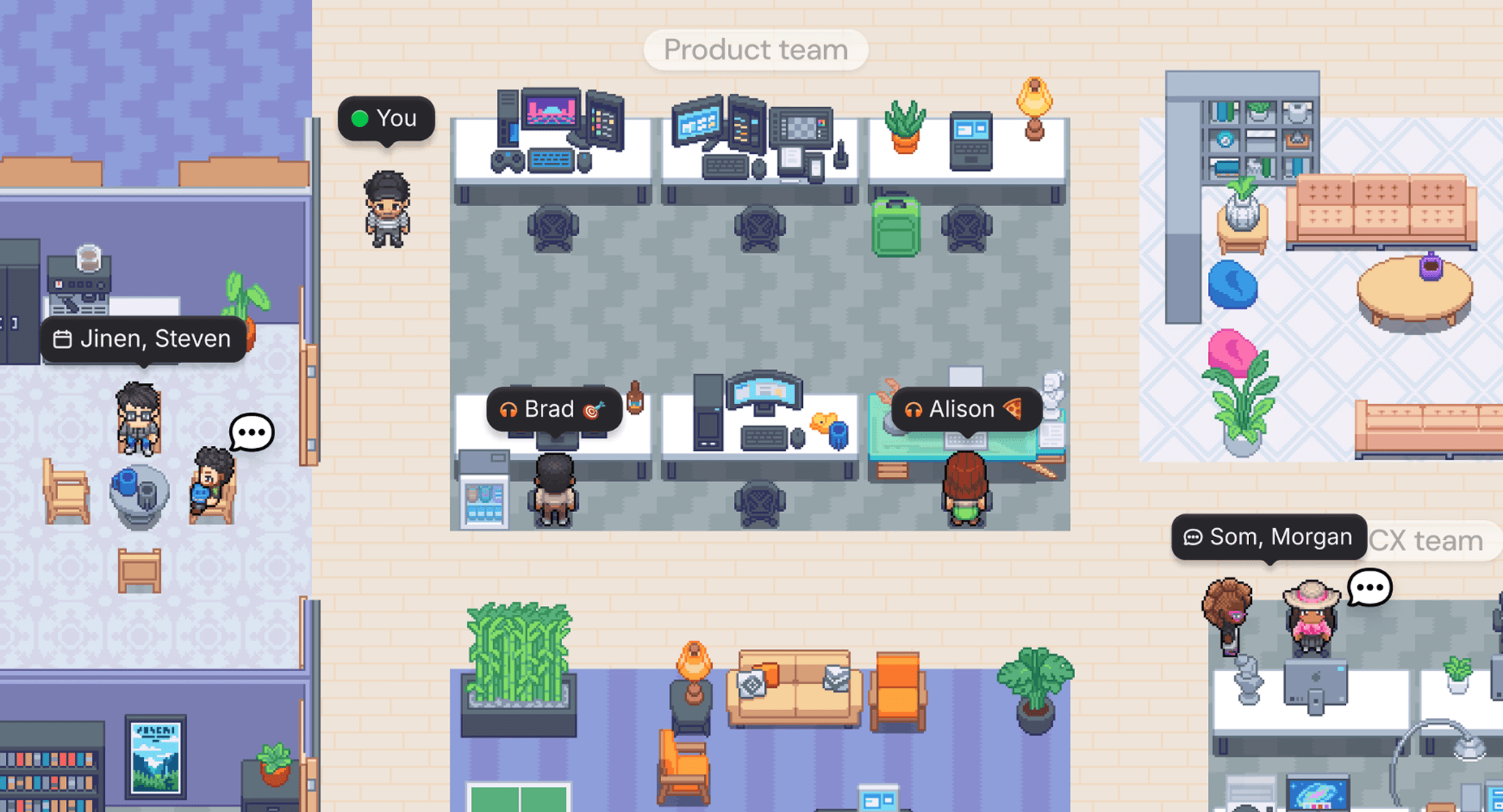
Com o Gather, sua equipe distribuída está sempre por perto. Chame alguém com um aceno, vá até a mesa dessa pessoa e continue conectado.
Se você quer fazer a conexão da equipe acontecer naturalmente, e não só quando uma noite de jogos entra na agenda, experimente um escritório virtual no Gather. Comece com 30 dias grátis.