·
It's 3 p.m. on a Thursday. Your sixth video call of the day just ended, and you realize you haven't left your desk chair in four hours. Your eyes burn. Your shoulders are hunched like a gargoyle perched over your keyboard. And someone just sent a calendar invite for a follow-up meeting tomorrow.
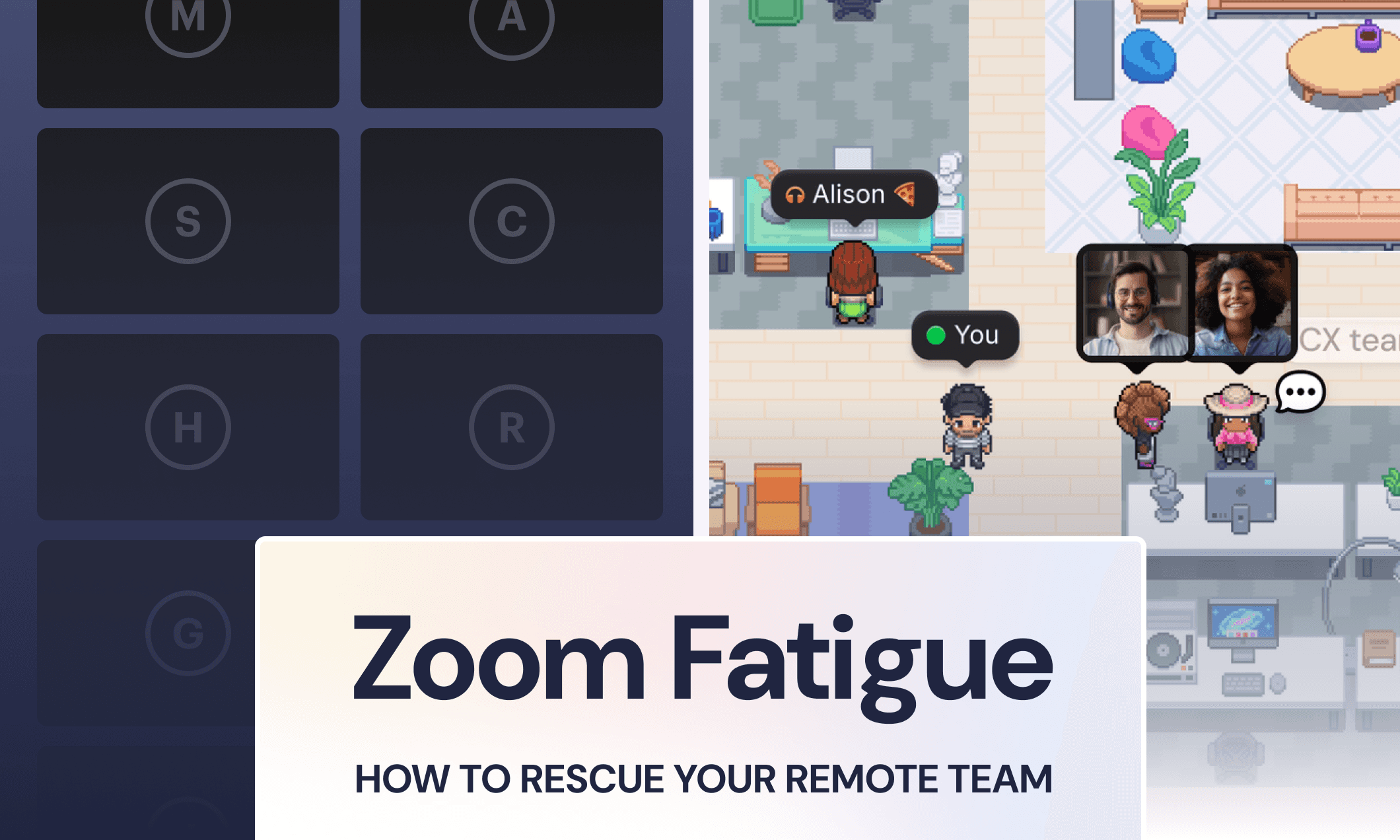
You’re experiencing Zoom fatigue, and so is your remote team.
Everyone is exhausted from trying to connect, but they still feel disconnected. A meeting ends, and you're alone again in your home office, isolated from your teammates.
The good news? You can fix this meeting fatigue without more calls or forcing everyone back to the office. Here's what's really happening, and more importantly, what you can do about it.
What Is Zoom Fatigue? (And Why Does It Hit Remote Teams So Hard?)
Zoom fatigue is that special level of exhaustion and demotivation that only back-to-back video meetings can create. It's not just regular tiredness…it's a special kind of mental and physical drain.
Symptoms may include:
Eye strain
Headaches
Poor posture and tension
Difficulty focusing
Dread before meetings
Irritability that creeps in around meeting number four…
And a primal urge to throw your laptop out the window when someone says “Can everyone see my screen?”
Ok, those last two are a little dramatic. But research backs this up: video calls create a unique cognitive load. Your brain is working overtime to process digital faces while simultaneously trying to interpret limited body language and manage your own self-presentation. It's a lot.
Stanford researcher Jeremy Bailenson, who wrote an academic paper on Zoom fatigue, identifies four causes of what he calls "nonverbal overload":
Excessive eye contact at unnatural distances: Everyone's face is unnaturally close and staring at you
Cognitive load from sending and reading cues: You have to work harder to communicate and understand others
Seeing yourself all day: The "mirror effect" creates constant self-monitoring and anxiety
Physical constraints: You're trapped in one position instead of being able to move naturally
In fact, a study from Austria's Graz University of Technology found that participants' brain wave activity indicated exhaustion and a struggle to focus just 15 minutes into virtual classes. Fifteen minutes. That's how little it takes for video call fatigue to kick in at a neurological level.
And as a manager? It's even worse. You're not just attending meetings: you're running them, coordinating schedules, and fielding complaints about meeting overload from the team.
You need a better meeting solution for them and for yourself.
The Real Cost of Zoom Fatigue to Your Team
Meeting burnout isn't just annoying, it's actively harming your team's performance and wellbeing.
When people spend most of their day in meetings, they don't have time to actually work. Your team ends up working nights and weekends, which tanks engagement.
It's hard to feel energized about work when you're perpetually exhausted from talking about work. Burnout risk increases. Creativity and innovation suffer. And it’s nearly impossible to think creatively when your brain is fried from hours of video calls.
And the worst part? People feel just as isolated despite being "face-to-face" all day.
What your team really needs isn't just a meeting fix. They need ambient awareness. Those casual "I see you're here" moments that don't require a formal meeting. The ability to catch someone's eye across the room without scheduling 30 minutes on both calendars.
Remote work will never feel exactly like an office, but there are ways to make it way better than endless video calls.
9 Strategies to Rescue Your Team from Zoom Fatigue
The good news? You have the power to fix the meeting culture at your org. Here are nine strategies you can start implementing today.
1. Audit Your Meeting Calendar (And Be Ruthless)
When was the last time you questioned whether a recurring meeting should still exist?
Most recurring meetings started with good intentions, but many have outlived their usefulness. They persist because nobody wants to be the one to suggest cancelling them.
Here's what to do:
Review every standing meeting on your calendar this week
Ask yourself: Does this meeting have a clear purpose? Could it happen less frequently? Could it be replaced with async communication?
Cancel at least one recurring meeting. (Seriously – if you’re here, pick at least one!)
The impact? More focused, productive time for everyone.
Pro tip: Nervous about deleting a meeting entirely? Cancel it once and see if anyone notices or asks to reschedule. If they don't, you have your answer.
2. Default to Shorter Meetings
There's nothing magical about 30-minute and 60-minute meeting blocks; they’re just default lengths on your calendar app.
So…challenge it. Here's what to do:
Change your calendar settings to shorter defaults (25 minutes and 50 minutes, for example)
Find every hour-long meeting and ask: Could this be 30 or 45 minutes?
Actually stick to the shorter meeting time; no running over
If someone really needs more time, they'll tell you, but you’ll be amazed at how much you can accomplish in 15 focused minutes when there's no extra time to fill.
3. Make Agendas Non-Negotiable
Agenda-less meetings are where time and energy get sucked away. They’re unfocused, run too long, and leave people wondering why they needed to be on a call that whole time.
Here's the rule:
No agenda? No meeting. Period.
Require agendas 24 hours before the meeting so everyone can prep.
Include time allocations for each topic.
Share the expected outcomes up front. (“The goal of this meeting is…”)
The one exception: Casual co-working or social time. But label it clearly as optional, and don't disguise socializing as a "meeting." Your team will appreciate the honesty.
In Gather virtual offices, there are built-in co-working areas where teammates can drop in, work alongside each other with optional audio, and leave when they need to without the pressure of a formal meeting structure. It's the difference between "we have to meet" and "let's work together if you want."

4. Replace Scheduled Meetings with Live, Spontaneous Conversations
Remember that research finding? Video call fatigue kicks in after just 15 minutes. The average conversation in Gather is under 10 minutes, because that's how long most work conversations actually need when they're not forced into 30-minute blocks.
By keeping conversations naturally short and spontaneous, you avoid hitting that fatigue threshold entirely.
Here's how it works in Gather:
You can see teammates at a glance, and whether they’re free, talking to someone else, or heads down focused
Wave to get their attention or walk right over to them.
Once you’re next to each other, unmute to start talking. Videos are always optional.
When you’re done, walk back to your desk. That’s it!
If you're not using Gather, try Slack Huddles or just calling someone. The point is: replace "let me send you a calendar invite" with "let's talk right now."
The benefit? Faster answers, better momentum, zero calendar Tetris.
5. Try Asynchronous Communication First
Not everything needs to be discussed live. Really.
Ask yourself: Does it require discussion, or is it just information sharing? If it's the latter, go async.
Here's what to do:
Create a team norm: Meetings are for discussion, async is for updates
Reserve synchronous time for things that actually benefit from real-time discussion
For async: record a Loom video, start a Slack thread, or send an email
Set response time expectations (within 24 hours is reasonable, not immediately)
Async communication lets people consume information on their own schedule, and they don't need to context-switch out of deep work to attend a meeting about something that could have been a message.
6. Give Everyone Permission to Go Audio-Only
Turning off your camera brings real cognitive relief. You stop monitoring how you look. You stop worrying about your background. You can focus on the conversation instead of your own face.
Give your team permission to go audio-only sometimes.
Here's what to do:
At the start of the call, tell your team: "Camera off is fine for this meeting"
Lead by example – turn your camera off occasionally
Encourage standing, stretching, and moving during audio-only calls
Identify the meetings that actually require video, and explicitly tell the team
Pro-tip: For recurring 1:1s with direct reports, try alternating: one week video-on, one week audio-only. Give people a mix.
The key is to be intentional with how you interact with your teammates. Don’t just settle for the default.
7. Take it a Step Further: Encourage Walking Meetings
Movement helps, both physically and mentally.
Walking meetings break up the monotony of sitting at your desk all day. They give your body a chance to move, your eyes a break from screens, and honestly, some conversations just flow better when you're moving.
Plus, more walking helps combat real health concerns. As Dr. Sonia Gupta of Change Healthcare notes in Forbes, walking meetings "are also helpful to combat the bad health effects of a sedentary lifestyle."
Here's what to do:
Suggest walks for 1:1s or smaller discussions
Create calendar events that explicitly say "Walking meeting—audio only"
Invest in good earbuds with mics for your team if needed
Block "walk and talk" time on your own calendar
Pro-tip: Like audio-only meetings, your team might need your explicit permission to do this. Tell them it's not just okay to take a walking meeting; it's encouraged. You'll get better conversations and healthier team members.
8. Turn Off Self-View
Staring at yourself is exhausting. It's like having a mirror propped up in front of you during every in-person conversation. You'd never do that, so why do it on video calls?
Most video platforms let you hide your own face while keeping your camera on for others.
Here's what to do:
Fix your own settings first
Then show your team how to do the same
Add instructions to your team handbook or meeting invite templates:
Gather: Click the video options toggle in the bottom bar → "Hide self-view"
Zoom: Right-click your video → "Hide self-view"
Google Meet: Hover over your video tile → Click the “Minimize” icon (two diagonal arrows)
When you're not constantly monitoring your own appearance, you can actually focus on the meeting. Revolutionary, right?
9. Build in Real Breaks Between Meetings
Sitting through back-to-back-to-back meetings is truly exhausting. Your brain needs a chance to reset before context switching to the next thing.
Here's what to do:
Block off 5-10 minute buffers between meetings on your calendar
Take actual breaks: stand up, walk around, look away from the screen
For 60+ minute meetings, build in explicit 5-minute breaks
Model this behavior so your team feels permission to do the same
Your team won't take breaks unless you do. Block "buffer time" on your own calendar and actually use it. When you decline back-to-back meetings because you need a break, you give everyone else permission to do the same.
Think about it: you wouldn't schedule in-person meetings literally back-to-back with no bathroom breaks or time to walk between conference rooms. Why do it with virtual meetings?
Building a Healthier Meeting Culture (Long-Term Shifts)
Tactics like these are great, but lasting change requires shifting the underlying culture. Here's how to make these changes stick.
1. Lead by example. As the manager, your behavior sets the norm. If you decline meetings that don't have agendas, your team will feel empowered to do the same. If you take walking 1:1s, others will follow. You're not just managing meetings, you're modeling what healthy remote work looks like.
2. Create meeting-free blocks. Designate certain times as team-wide focus time. Wednesday mornings. Thursday afternoons. Whatever works for your team. The key is making it a shared norm, not something people have to defend individually.
3. Celebrate when meetings get canceled or shortened. (Seriously!) When someone says "Actually, we don't need this meeting," that should be viewed as a win, not a failure. Praise the efficiency!
4. Regular check-ins about meetings. Ask your team explicitly: What's working? What's draining? Which meetings feel valuable, and which feel like time sinks? Then actually listen and make changes based on what you hear.
5. Measure meeting load as a team health metric. Track total meeting hours the same way you'd track any other important team metric. If it's creeping up, address it before people burn out.
Bring Back the Presence of an Office (Without an RTO Mandate)
All those strategies will help reduce meeting fatigue. But they don't solve the underlying problem: your team is missing something fundamental about working together.
It's not really about meetings; it's about feeling connected.
The Real Problem
Video calls try to replicate in-person conversations, but they're missing context.
In a physical office, you can see who's around, sense the energy of the room, or catch someone's eye across the space, all without formally "connecting." You know your teammate just closed a big deal because you see them doing a victory dance at their desk. You know your manager is available because their door is open. You know the team is heads-down because the room is quiet.
Video meetings force you to be "on" and performative. There's no casual, low-stakes presence. You're either in a formal call or working alone.
What Your Team Actually Needs
Ambient awareness. Visual context. The ability to see people without staring at them.
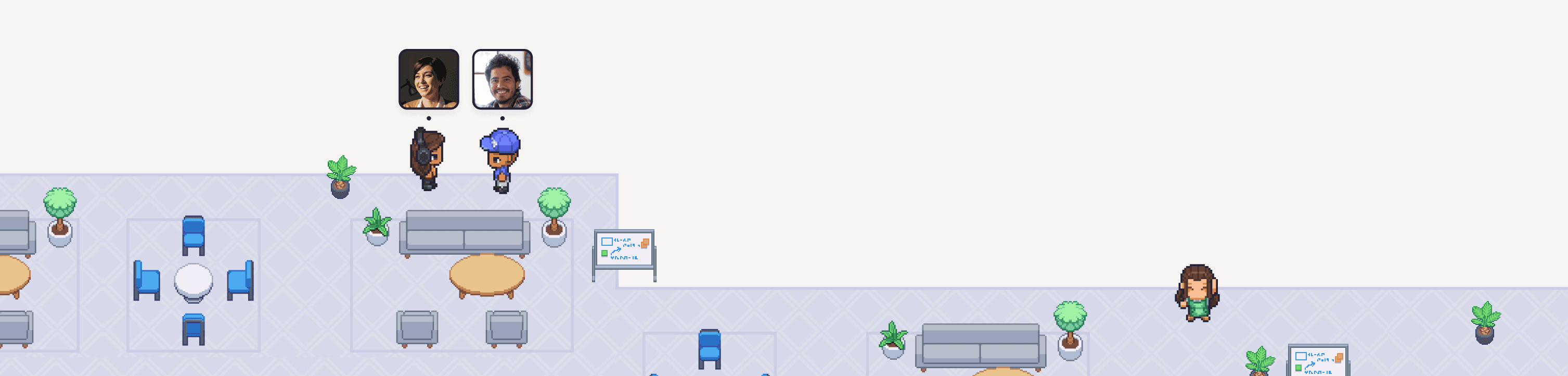
Instead of forcing connection through more video calls, tools like Gather give you a virtual office where you can actually see your team working. You can see your junior developer pair up with a staff engineer. You can see your CTO heads down at their desk. You can see the design team gathered in a co-working area.
The virtual office gives you context without requiring you to jump on a call or turn your camera on. You get back visual information that helps people feel connected.
Is it exactly the same as a physical office? No. But it's sure a lot closer than a video grid.
What This Looks Like in Practice
Spontaneous questions: You notice your teammate is at their desk (not in a meeting room). You walk over, ask your question, get an answer in 3 minutes, and leave. No 30-minute calendar invite needed.
Quick celebrations: Your teammate landed a big deal. Someone rang the gong and you see their avatar doing a happy dance. You walk over, say congrats, and return to your desk. Thirty seconds to share a nice moment together.
Coworking without cameras: It's mid-afternoon and you're feeling social after deep work. You hop into a coworking space where a few teammates are working with optional audio. You don't say anything, and never turn your camera on. You just work alongside them for an hour, and feel less alone.
That's the shift. Connection without meeting fatigue. Presence without performance.
Lead the change you want to see
Zoom fatigue is real, and it's not just about too many meetings; it's about the wrong kind of connection.
Your team wants to feel connected, but video calls aren't delivering. The constant performance, the lack of ambient awareness, the absence of casual interactions…it all adds up to people feeling isolated despite being "face-to-face" all day.
As a manager, you have more power to change this than you think. You set the norms. You model the behavior. You give permission for new ways of working.
Start small. Pick one strategy from this list and implement it this week. Audit your standing meetings. Make one 1:1 audio-only. Build buffers into your calendar.
Then keep going. Cultural change happens one decision at a time.
Your team wants to collaborate and feel part of something. They just don't want to be on video for 6 hours a day to get it. Give them better ways to connect, and watch the energy come back.
Want to see if a virtual office could work for your team? Try Gather free for 30 days and see if the virtual office helps your team feel more connected and less drained.